BIP-6000
57
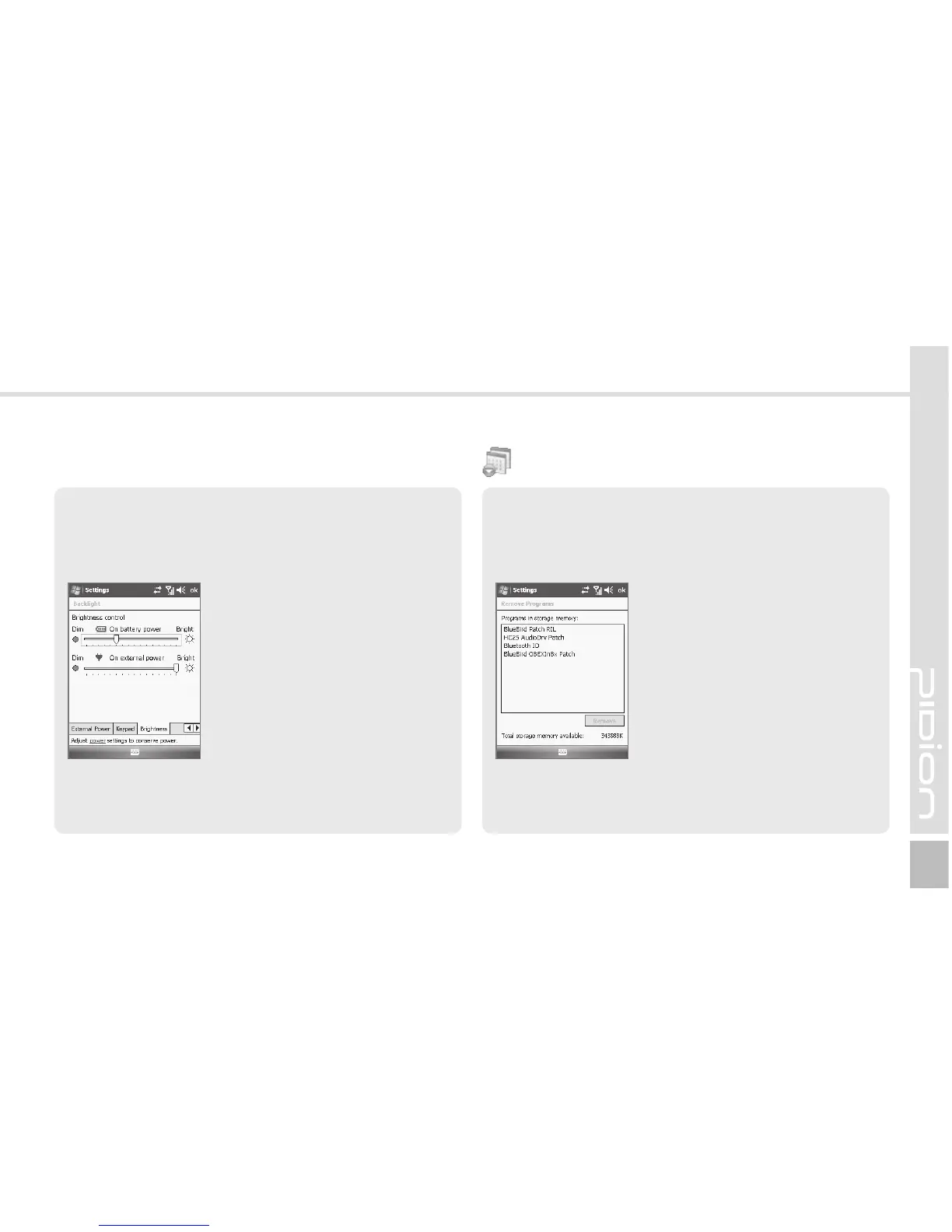
The list of programs installed personally or by the
company, except the basic programs, is displayed.
Start ► Settings ► System Tab
► Remove Programs
Select the program you wish to
uninstall, and then, select the
[Remove] button.
Brightness Tab
You can control brightness by moving the slider bar.
Start ► Settings ► System Tab
► Lighting ► Brightness Tab
The nearer to [Dim], the longer
the battery life extends.
Remove Programs



 To Next Page