56
BIP-6000
Manual
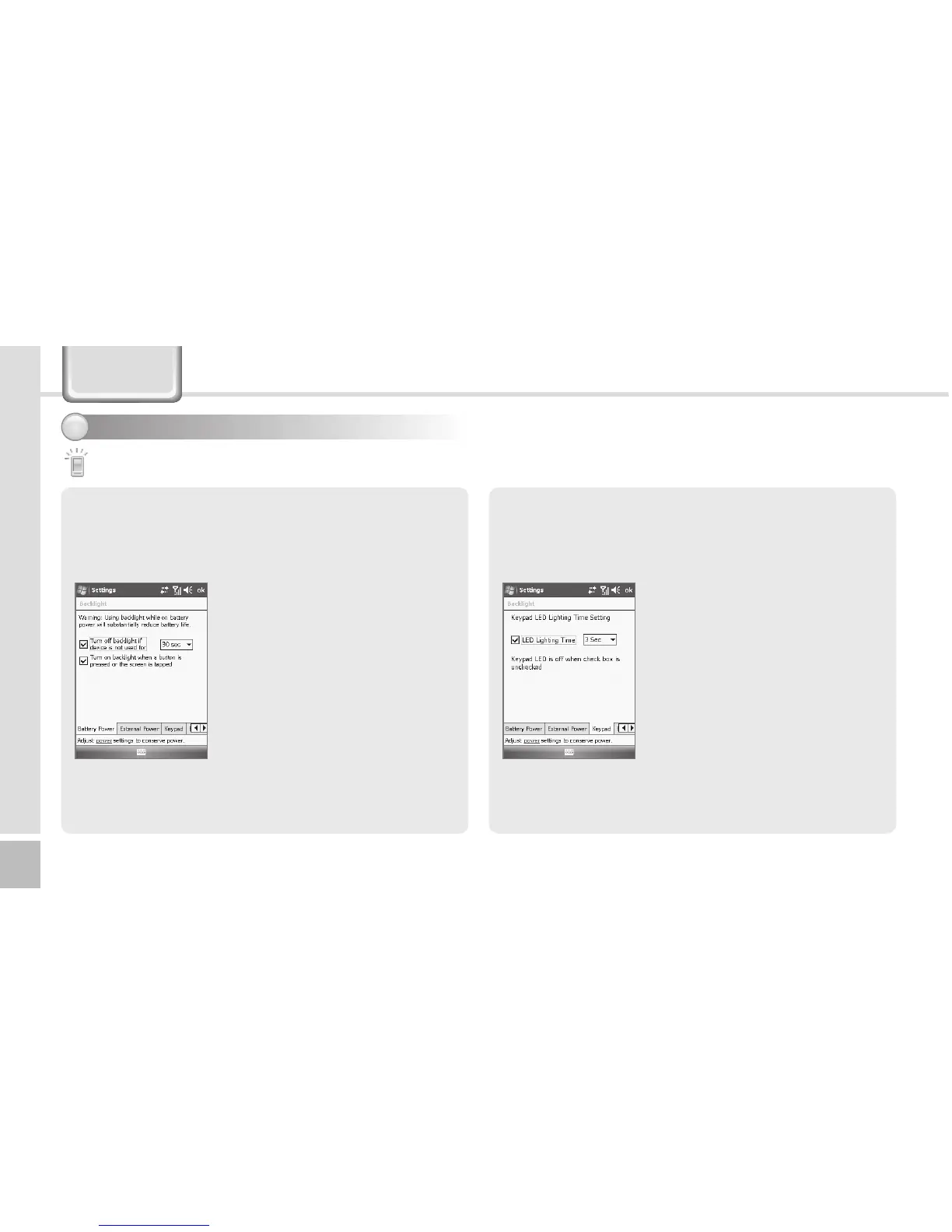
Battery Power Tab / External Power Tab
You can set the LED Off time after which the LED
should be turned off automatically if no key action has
been made.
Start ► Settings ► System Tab
► Lighting ► Battery Power
Tab / External Power Tab
The shorter the LED Off time, the
battery life extends longer.
The LED is turned on when you
press any button or touch the
screen.
Keypad Tab
Set the keypad LED Off time.
Start ► Settings ► System Tab
► Lighting ► Keypad Tab
The shorter the [LED Lighting
Time], the battery life extends
longer.
The keypad remains off if no
[LED Lighting Time] is selected.
Backlight
Setting system environment - 2
2
Settings



 To Next Page