26
BIP-6000
Manual
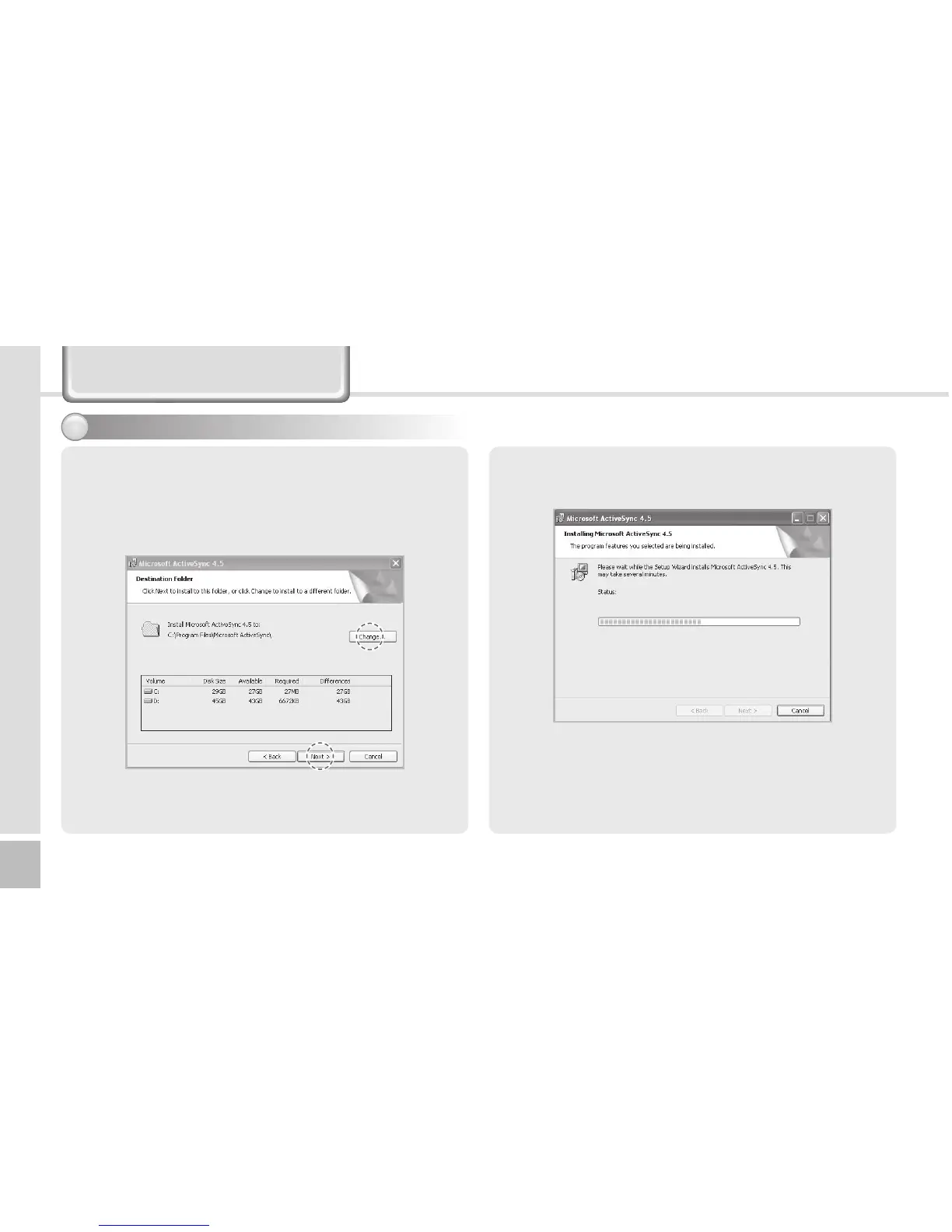
2 On the [License Agreement] window, select <Agree>
►Onthe[CustomerInformation]window,llin
the<UserName>and<Company>eld► On
the [Target Folder] window, select the <Installation
Location>.
3 The [Microsoft ActiveSync] is installed when
installation process is ready.
4 The [Microsoft ActiveSync] program is installed.
Installing ActiveSync - 2
1
Connecting ActiveSync



 To Next Page