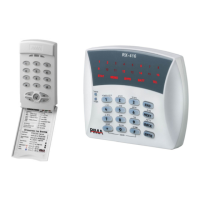
Hunter-Pro Series & Captain 8 User Guide
20
8. Key #8Time and Date
Master code time in the following format: hh:mm
date in the following format: dd:mm:yy
/ to move to the left and right.
To correct data, and start over.
The system’s clock should always be kept accurate, for maintaining a detailed log and for
functions such as user disarming time frame.
If the clock is not set, a “Clock Not Set” error is displayed.



 To Next Page