10
Local stations
Note: make sure your radio already connected to network.
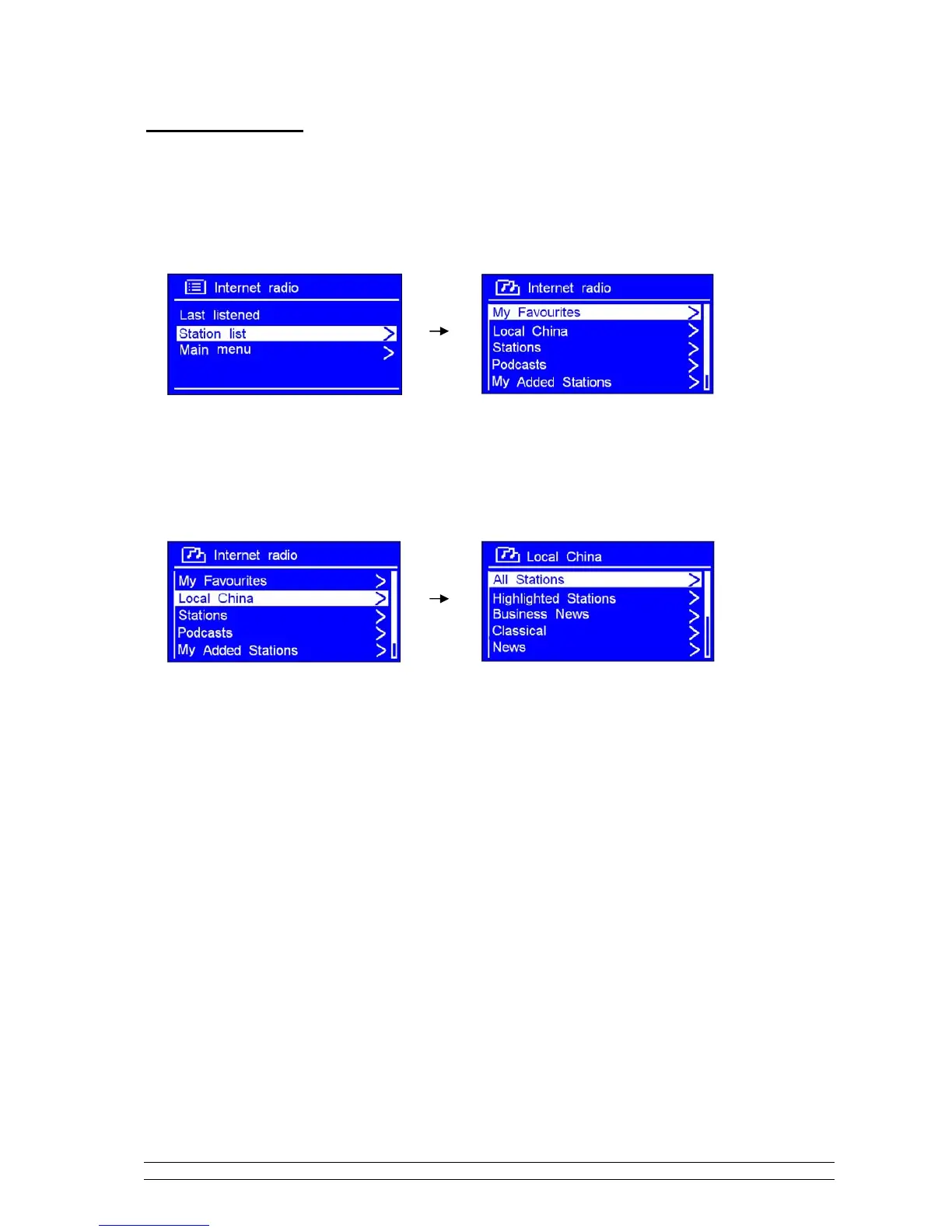
1. While cursor point to < Station list >, press the SCROLL knob to confirm.
2. Turn the SCROLL knob to < Local China >, and then press it to confirm.
Note: ‘Local China’ is, can be changeable according to your current location, for instance, it can be local US,
or local UK, etc. In a word, it’s a very easy way for you to find your local programs.
3. Turn the SCROLL knob to your favourite item, press it to confirm, and then step to step to the program
you desired.



 To Next Page