36
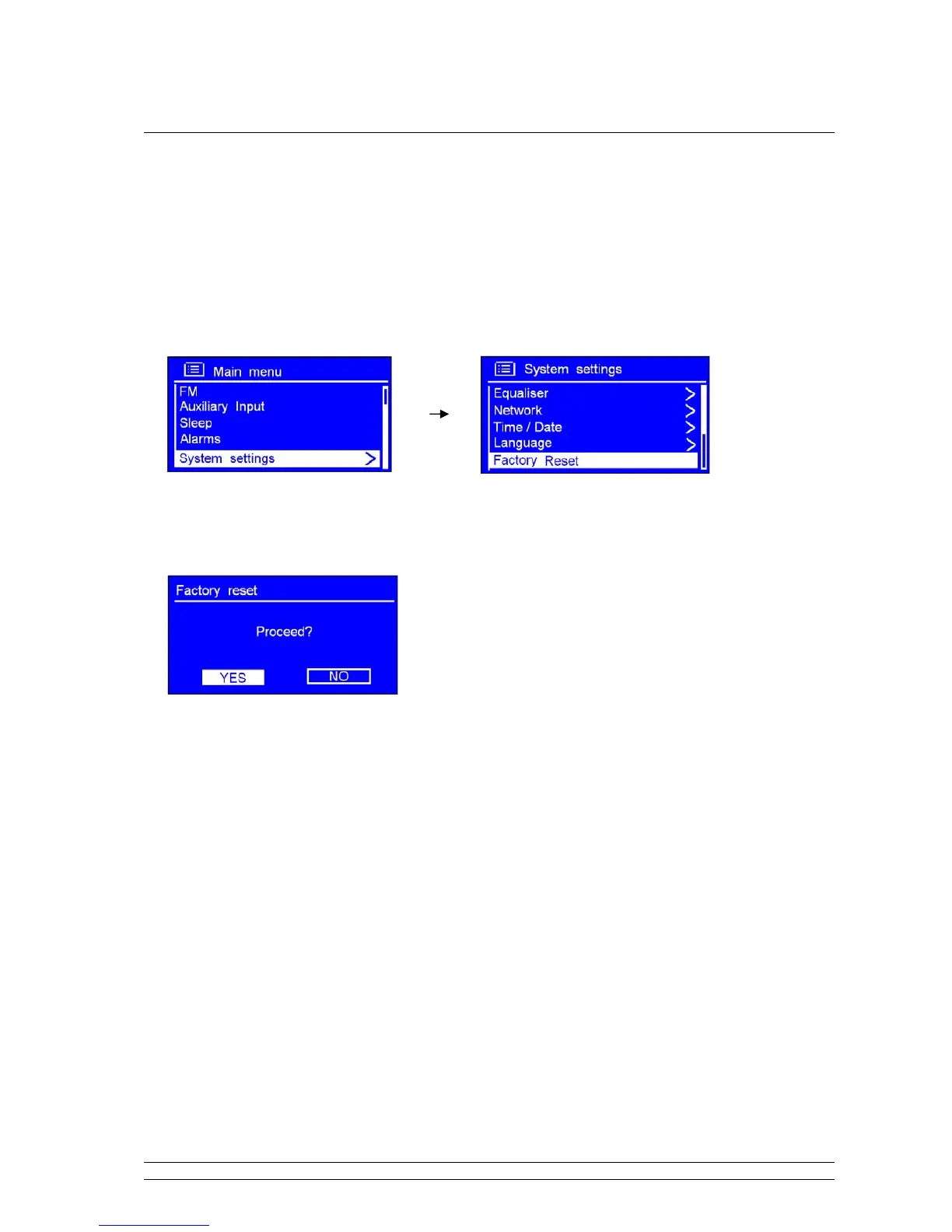
Factory reset
Note: running this will completely erase your radio’s memory, clearing all WEP/WPA codes and other user
settings.
1. It can be activated from < Main menu > < System settings > < Factory reset >.
2. Press the SCROLL knob to confirm, and then turn this knob to ‘YES’.
3. Press the SCROLL knob to confirm.
Note: If you do not wish to continue, at step 2, turn the SCROLL knob to select ‘NO’, and then
press it to cancel this order.



 To Next Page