15
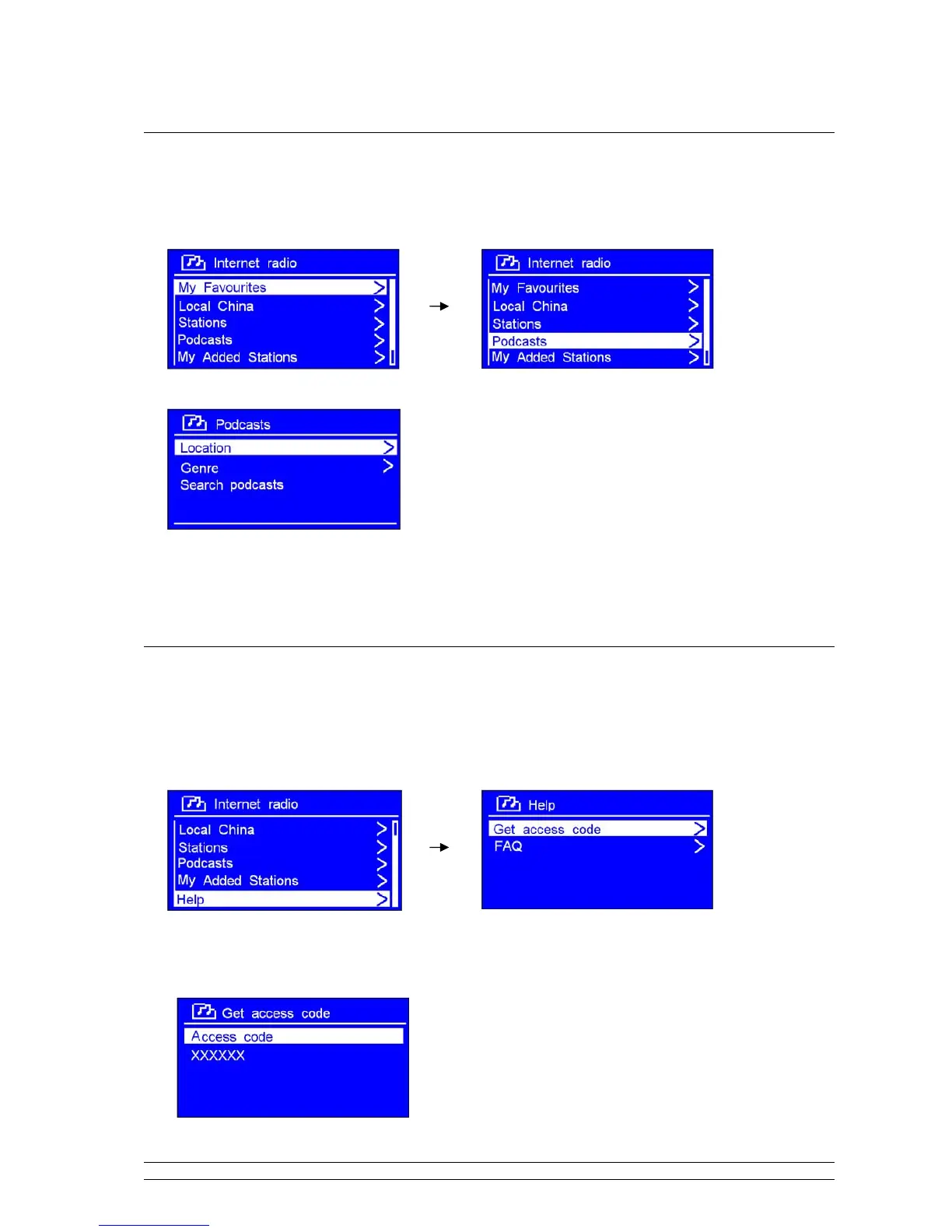
Select a station through Podcasts
1. After your radio has successfully connected to network, turn the SCROLL knob to < Podcasts >.
2. Press the SCROLL knob to confirm, and then turn the SCROLL knob to your favorite option.
3. Press the SCROLL knob to confirm, and then step by step to your purpose program.
Get Access Code
1. After your radio connected to network, turn the SCROLL knob to < Help >, and then press
it to
confirm.
Note: at this step, you can also listening radio FAQ solutions.
2. While cursor point to < Get access code >, press the SCROLL knob to confirm, then you get it.



 To Next Page