14
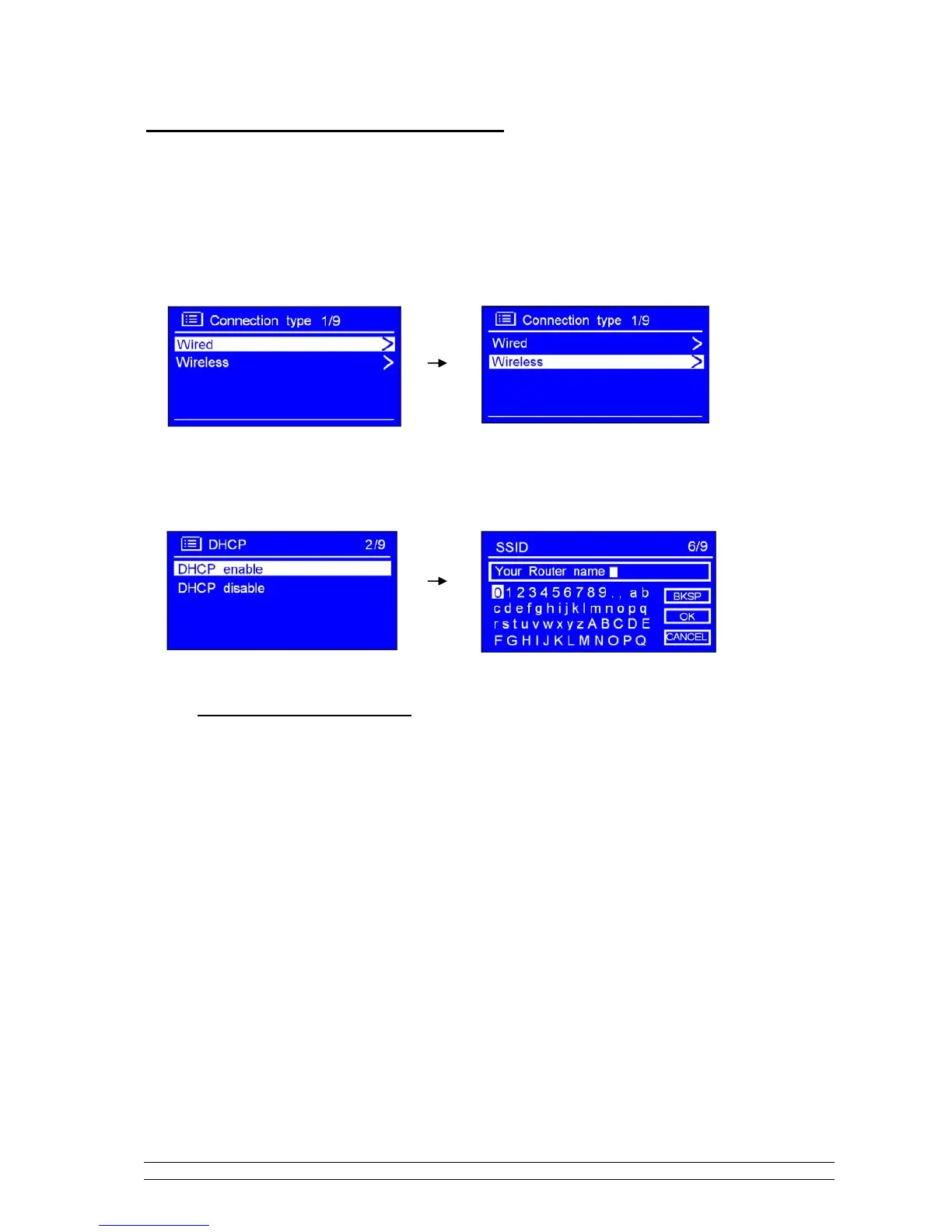
How to shift to wireless network
Note: to make this order works, you can either do a ‘factory reset’, or follow below steps:
1. Refer ‘choose LAN setting’, which you can find at page 13, and then turn the SCROLL knob to <
Wireless >, press it to confirm.
2. While cursor point to < DHCP enable >, press the SCROLL knob to confirm, and then step by step to
enter wireless network.
Now, setting to wireless is OK!



 To Next Page