16
Add Station to ‘My favourites’
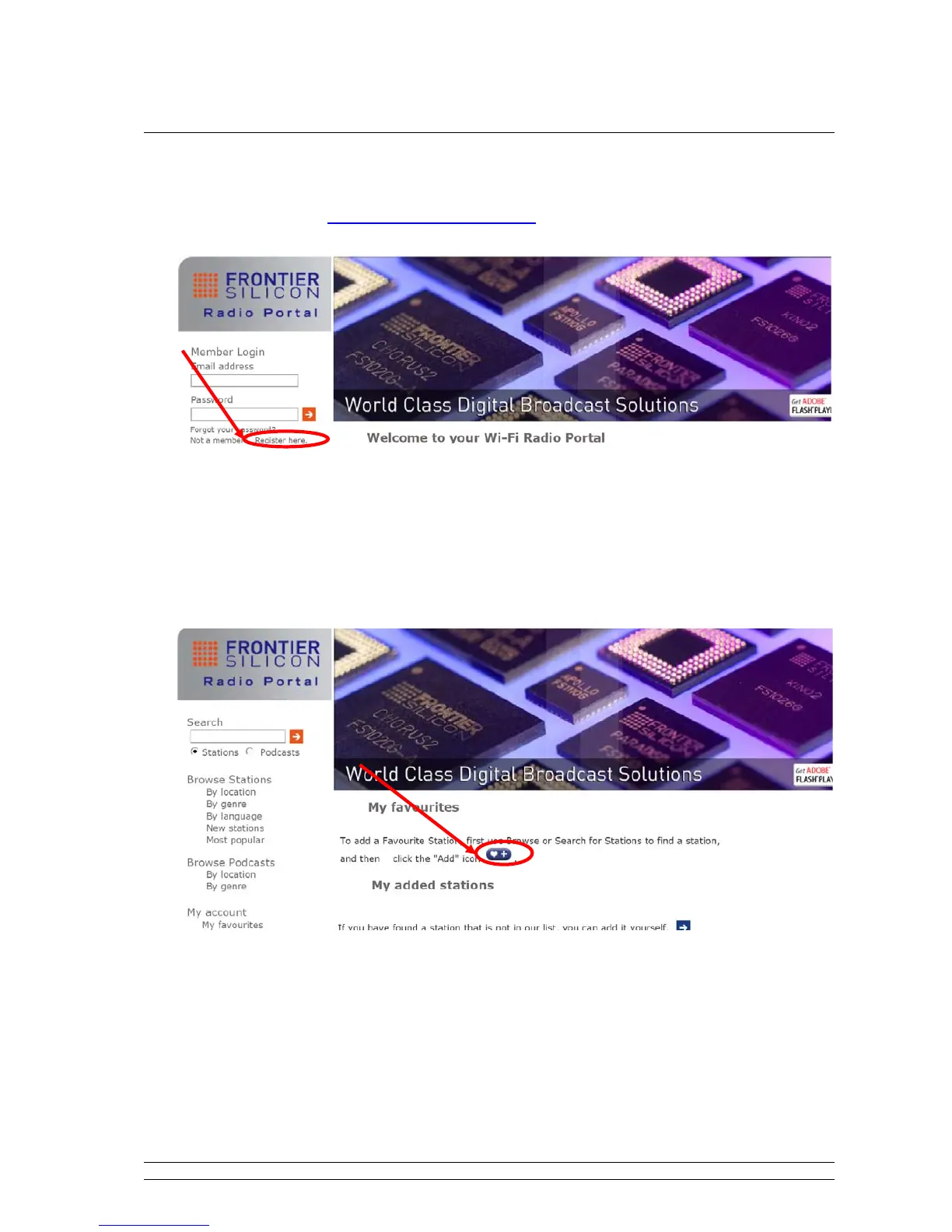
1. visit website: http://www.wifiradio-frontier.com
2. Click on the register link.
3. Create account login, you need an Access code to complete it, which refer to page 16.
Note: want to a member login? Therefore you need to remember your registered ‘Email address’ and
‘Password’.
4. You will able to take advatage of the various additional features and services offered by
the Frontier internet Radio Portal.
5. How to play ‘My favourites’? Your need two steps:
a. While cursor point to < My favourites >, press the SCROLL knob to confirm.
b. Turn the SCROLL knob to your favourite station, and then press it to loading…
Note: You added ‘my favourites’ stations will shows up at ‘my favourites’ subdirectory. Doing a ‘factory
reset’ cannot erase them.



 To Next Page