39
Backlight
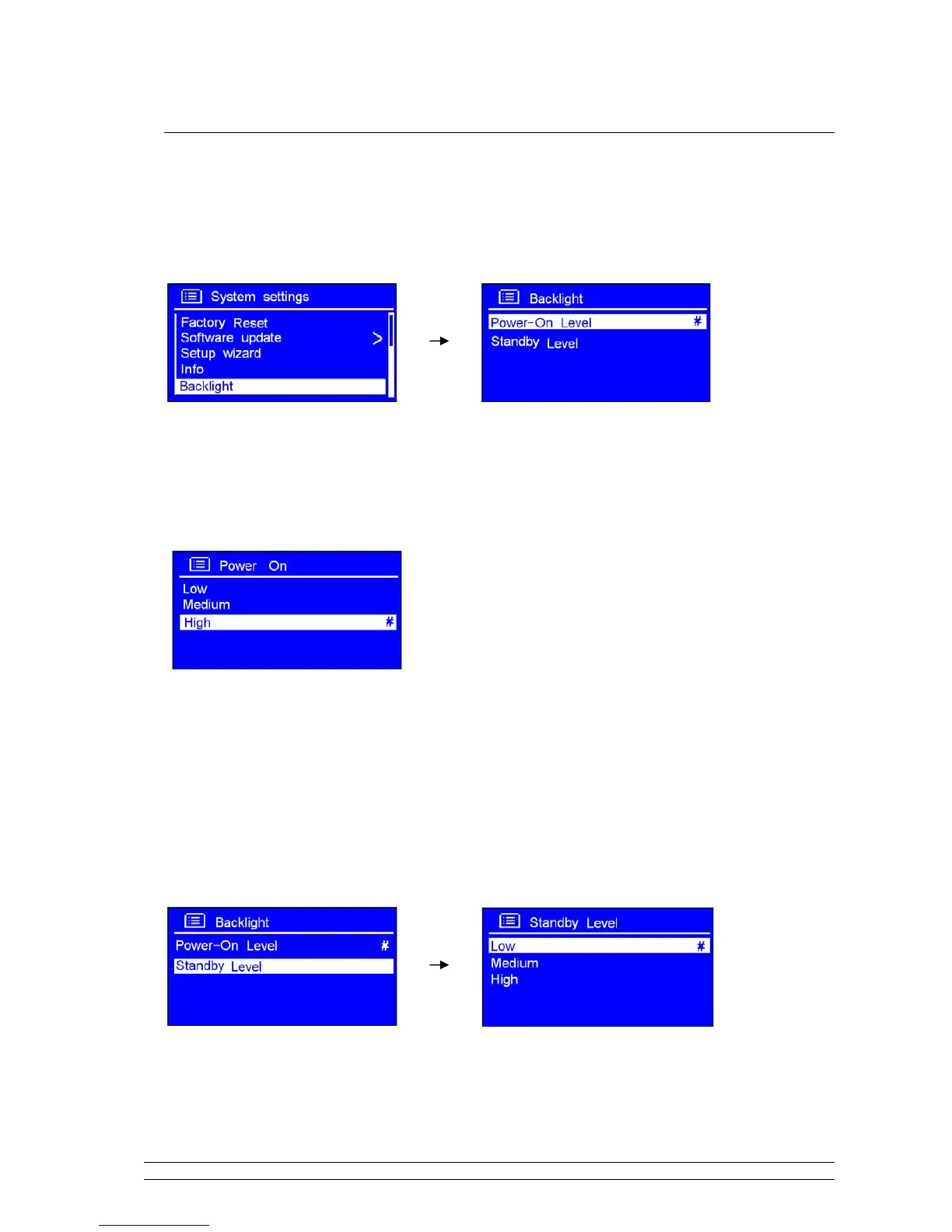
It can be activated from < Main menu > < System settings > < Backlight >, and then press
the SCROLL knob to confirm.
A. Setting Power-On level
1. While cursor point to < Power On >, press the SCROLL knob to confirm.
2. Turn the SCROLL knob to your purpose one, press it to confirm.
B. Setting Standby Level
1. At above step 1, turn the SCROLL knob to < Standby Level>, press it to confirm.
2. Turn the SCROLL knob to your purpose one, press it to confirm.



 To Next Page