19
Music Player Mode
Note: To play this order, read appendix at first, which at following pages is highly recommending!
A. PLAY SHARED MEDIA
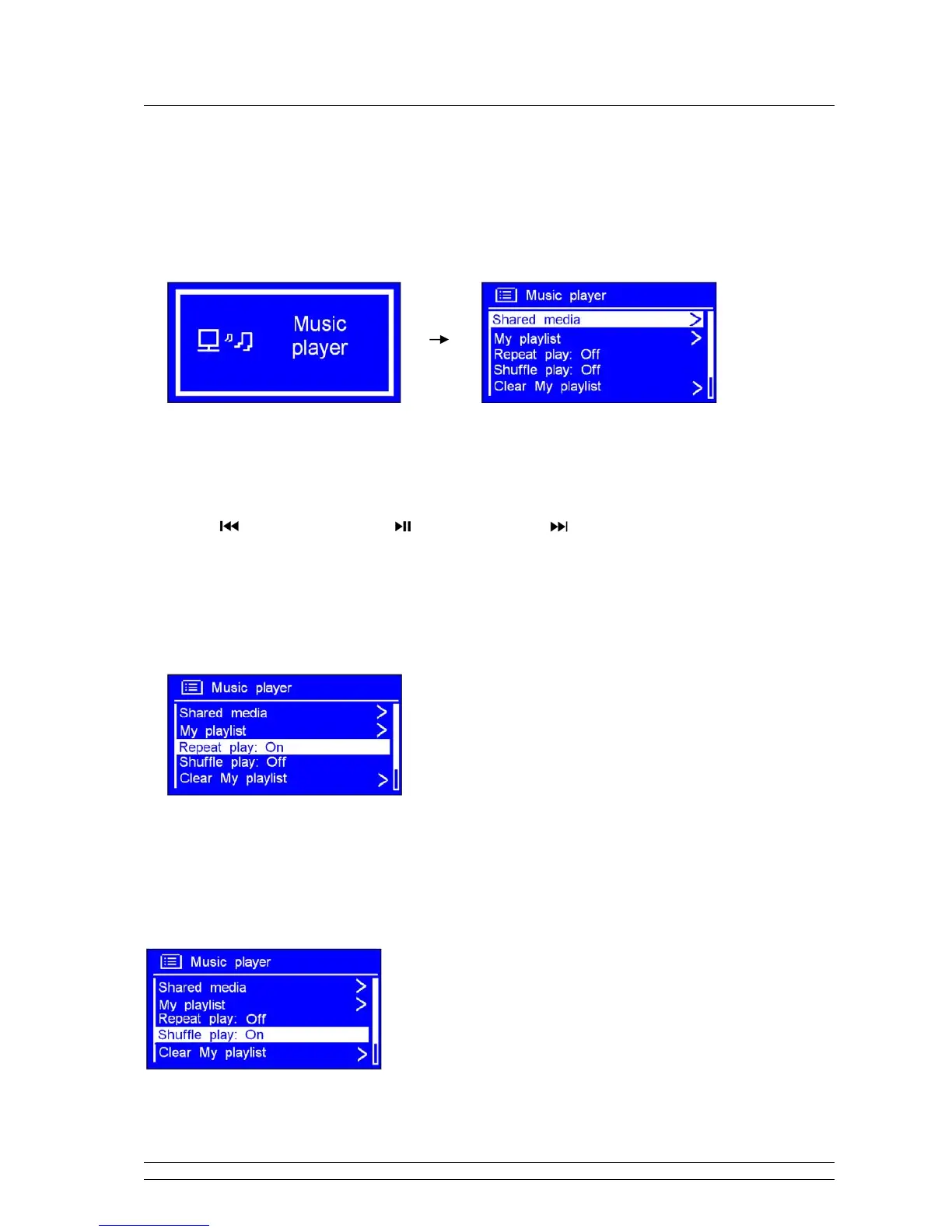
1. Press MODE repeatedly until < Music player > is showing up.
Note: Or, enter < Main menu >, and then turn the SCROLL knob to < Music player >, press it to confirm.
2. While cursor point to < Shared media >, press the SCROLL knob to confirm, and then step by step
to your selecting Music.
3. Press
to previous track, press to play/pause, press to next track.
B. Repeat play mode
1. Press MENU, and then turn the SCROLL knob to < Repeat play: Off >, press it to shift ‘Off’ to ‘On’,
or press it again then ‘Off’.
C. Shuffle play mode
2. Press MENU, and then turn the SCROLL knob to < Shuffle play: Off >, press it to shift ‘Off’ to ‘On’,
or press it again then ‘Off’.



 To Next Page