27
Sleep Function
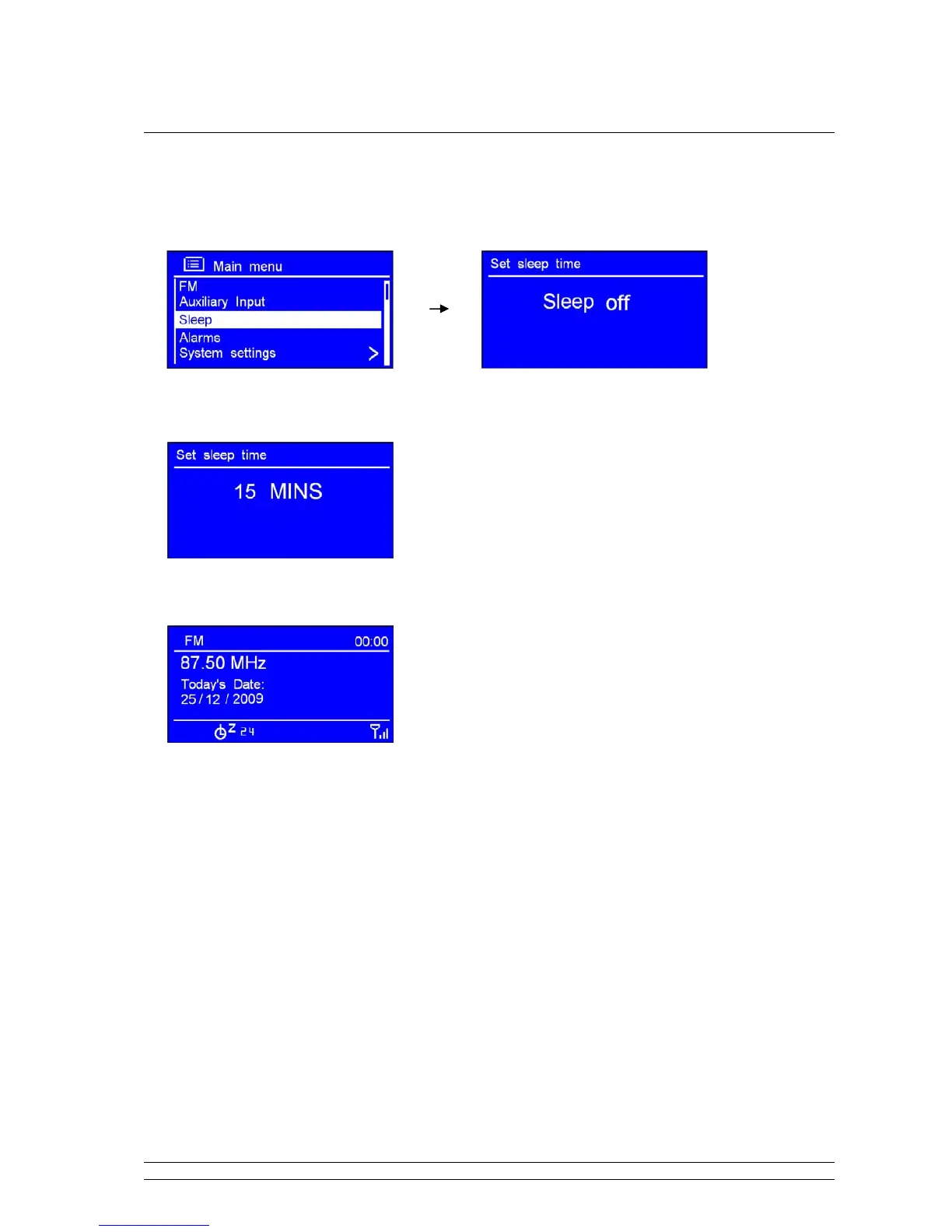
1. It can be activated from < Main menu > < Sleep >, press the SCROLL knob to confirm.
2. Turn the SCROLL knob to define the sleep period which between 0 – 60 minutes.
3. When your purpose period is appeared, simply stop turning, and it is done!
Note: a. The interval time is 15 minutes per step.
B. At this step, and sleep icon shows up, as well as shows how long it will be expired.
4. Radio will now automatically put itself into standby mode after it has elapsed.
5. To continue enjoying your program by pressing
STANDBY/ON.



 To Next Page