25
Setting Station Presets
Your radio can store 10 Internet, 10 DAB+ and 10 FM stations preset.
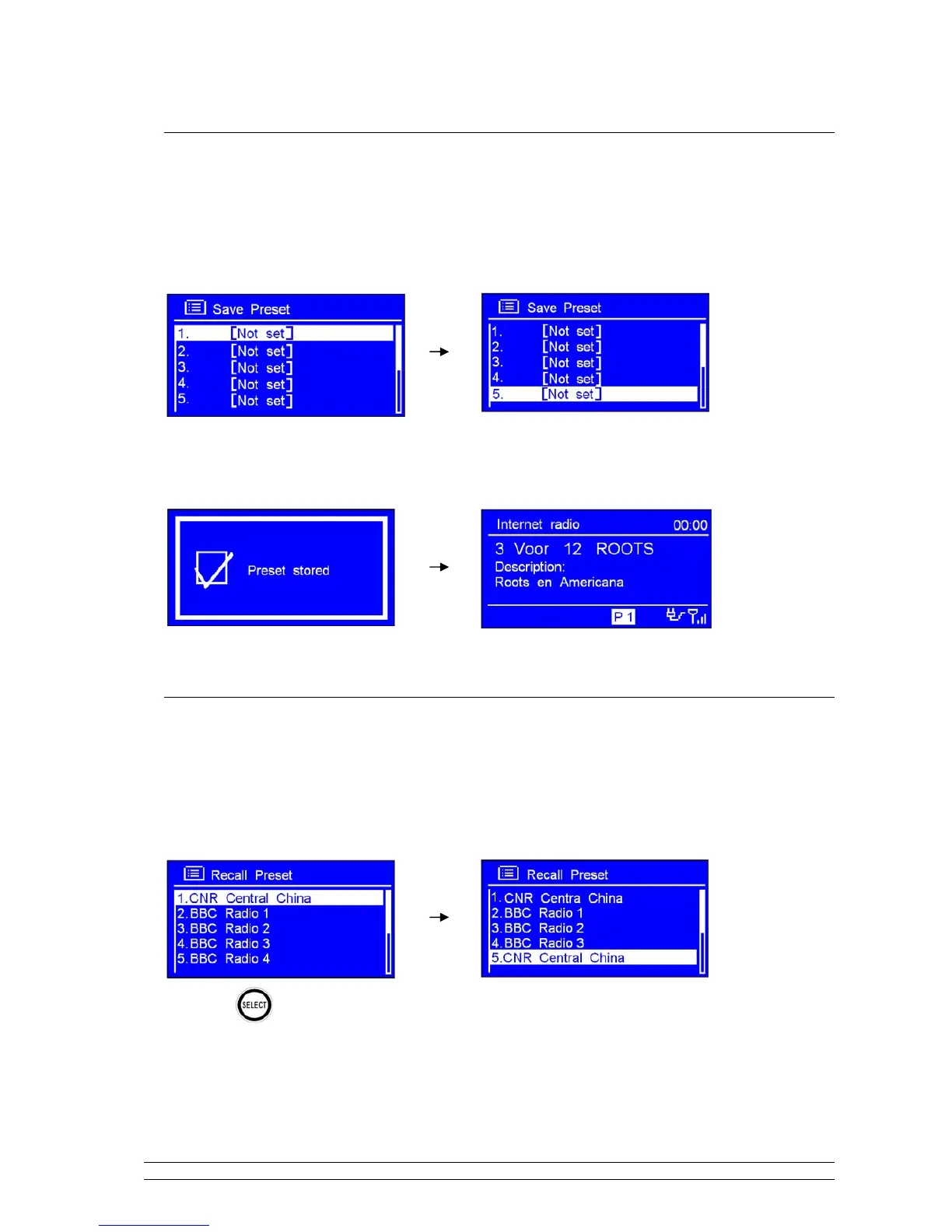
To store the current station:
1. Press and hold PRESET, and then turn the SCROLL knob to your purpose one.
2. Press the SCROLL knob to confirm. And then it will return to its normal working condition, and
preset icon appeared on display.
Selecting a Preset station
To select a stored Interne station:
1. Press MODE to goes into relative mode.
2. Press PRESET, and then turn the SCROLL knob to your purpose one.
3. Press
to confirm.



 To Next Page