38
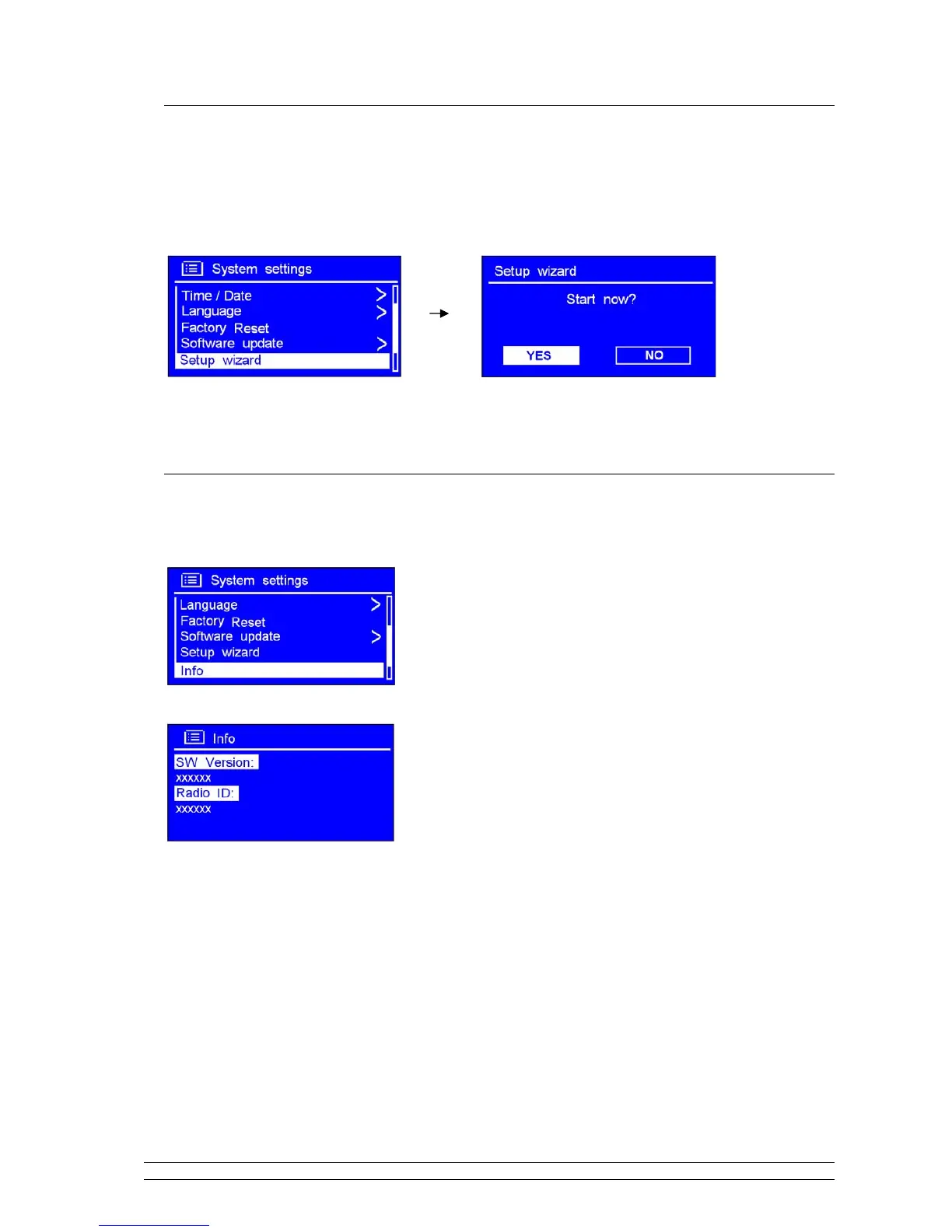
Enter Setup wizard
1. It can be activated from < Main menu > < System settings > < Setup wizard >, press the
SCROLL knob to confirm.
2. Then step by step to set it.
SW Version and Radio ID
1. It can be activated from < Main menu > < System settings > < Info >.
2. Press the SCROLL knob to confirm.
This information may be requested when dealing with technical support issues



 To Next Page