13
Connecting to wired network
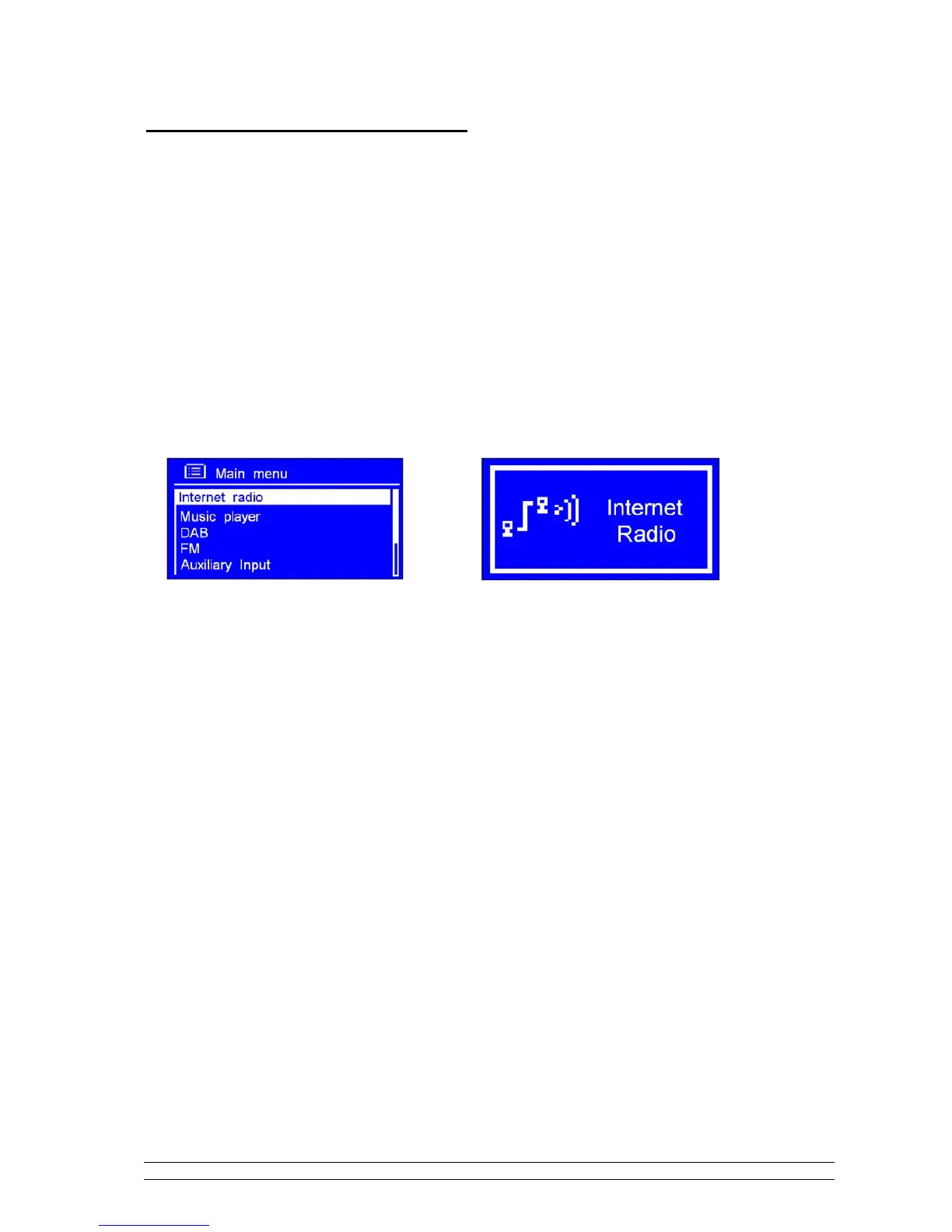
Step 2 – Enter Internet Radio mode
1. Press MENU, then turn the SCROLL knob to ’Main menu’, press it to confirm
2. While cursor point to ‘Internet radio’, press the SCROLL knob to confirm.
Or, press MODE repeatedly until < Internet Radio > is showing up, stop pressing.
or



 To Next Page