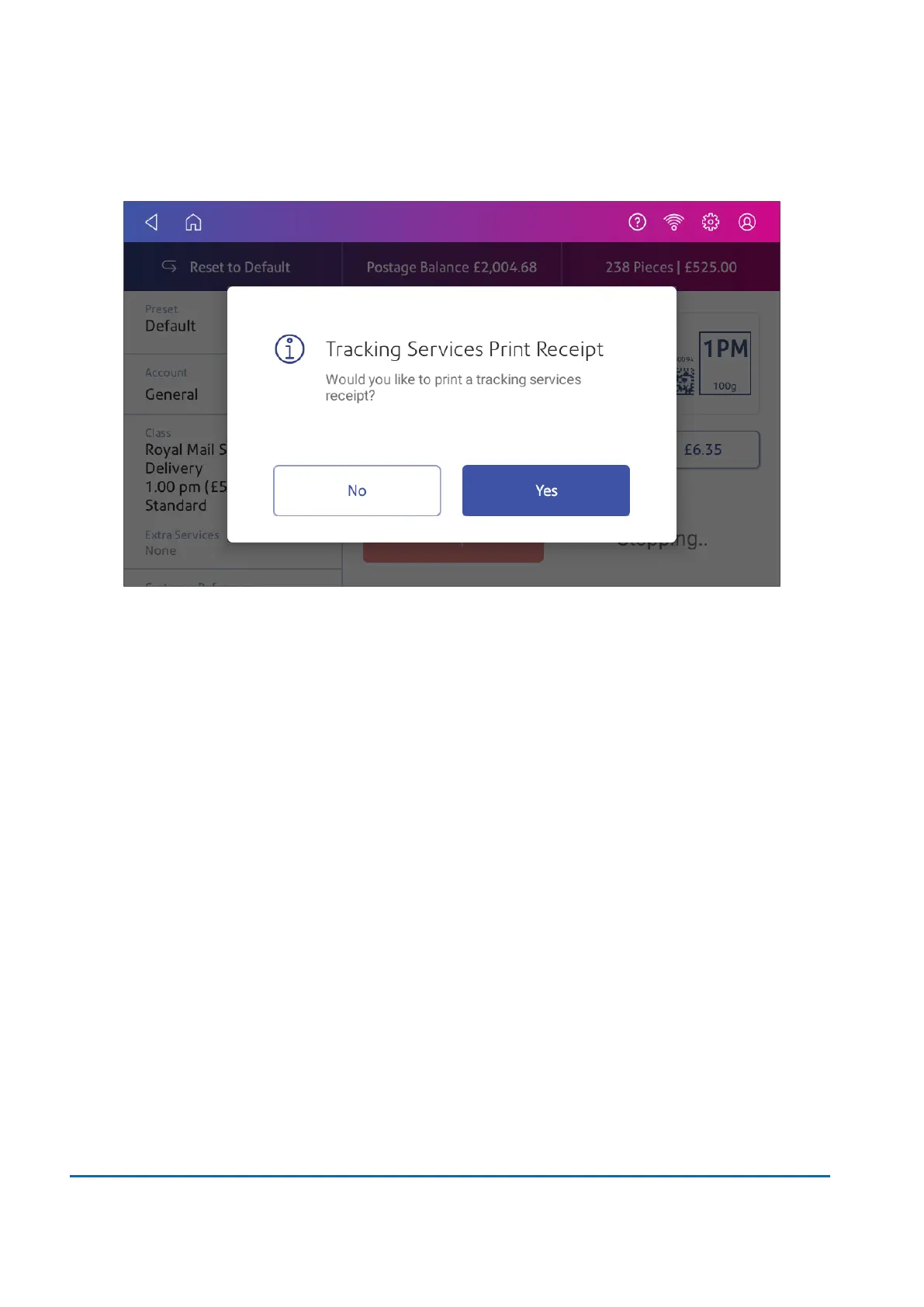
12. Tap Yes if you want to print a receipt as each mailpiece prints. You can turn receipt prompts off,
if desired.
Important: You can only print a custom graphic or a custom text message along with a Special
Delivery tracking barcode.
Viewing printed Special Delivery tracking numbers
1. Tap SendPro Apps on the Home screen.
2. Tap Manage Accounts.
3. If necessary, tap Got It at the No Sync Required prompt.
6 • Mailing and Shipping
Pitney Bowes User Guide March 2023 81











 To Next Page