Printer Basics • 2
2-7SV61749 Rev. D
4. Positioning the Side Guides
A. Place a sample piece or trial
stack of material in the input
area.
B. Hold the blue handles and slide
the side guides until they
almost touch the material.
Check that there's about
1/16 inch (1.5Mm) clearance
between the side guides and
the stack.
3. Setting the Feed Ramp
A. Place a piece of material
on the input guide with the
lead edge resting where the
separator assembly and feed
rollers meet.
B. Lift to loosen the feed ramp
adjustment lever.
C. Adjust the ramp up or down
until the top edge of the
material is resting in the
middle of the ramp.
D. Lower the lever to lock the
feed ramp in place.
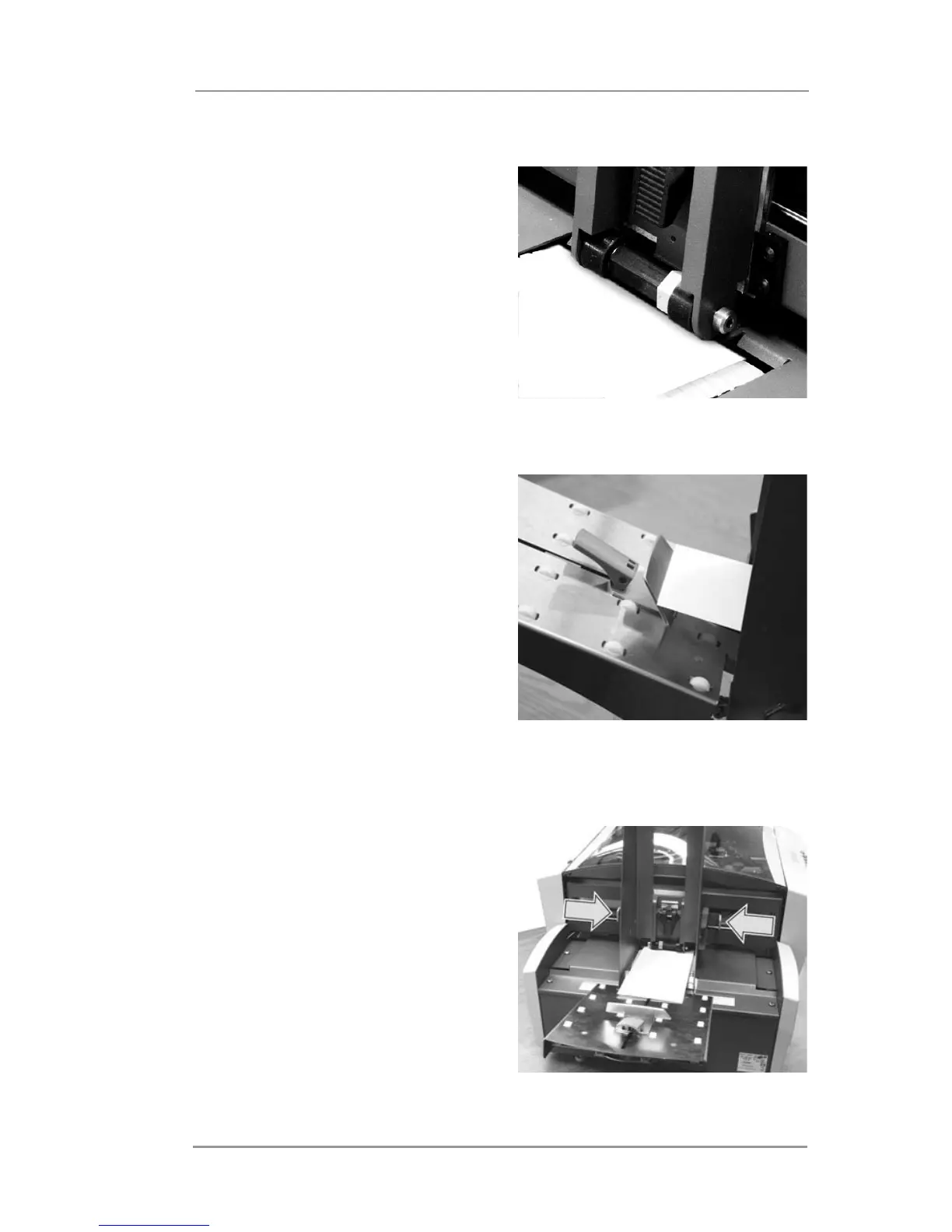
Feed ramp with material properly
positioned.
Position side guides using blue
handles.
Lead edge of envelope resting
where separator assembly and
feed rollers meet.



 To Next Page