Printer Maintenance • 3
3-17SV61749 Rev. D
Cleaning the Sensors
With use, a film and/or dust builds up on the eye of the 3 sensors
causing misfeeds of media. For best operation use compressed air
to blow dust from the sensors, regularly. For caked on dust use a dry
cotton swab to remove the dust from the eye of the sensor.
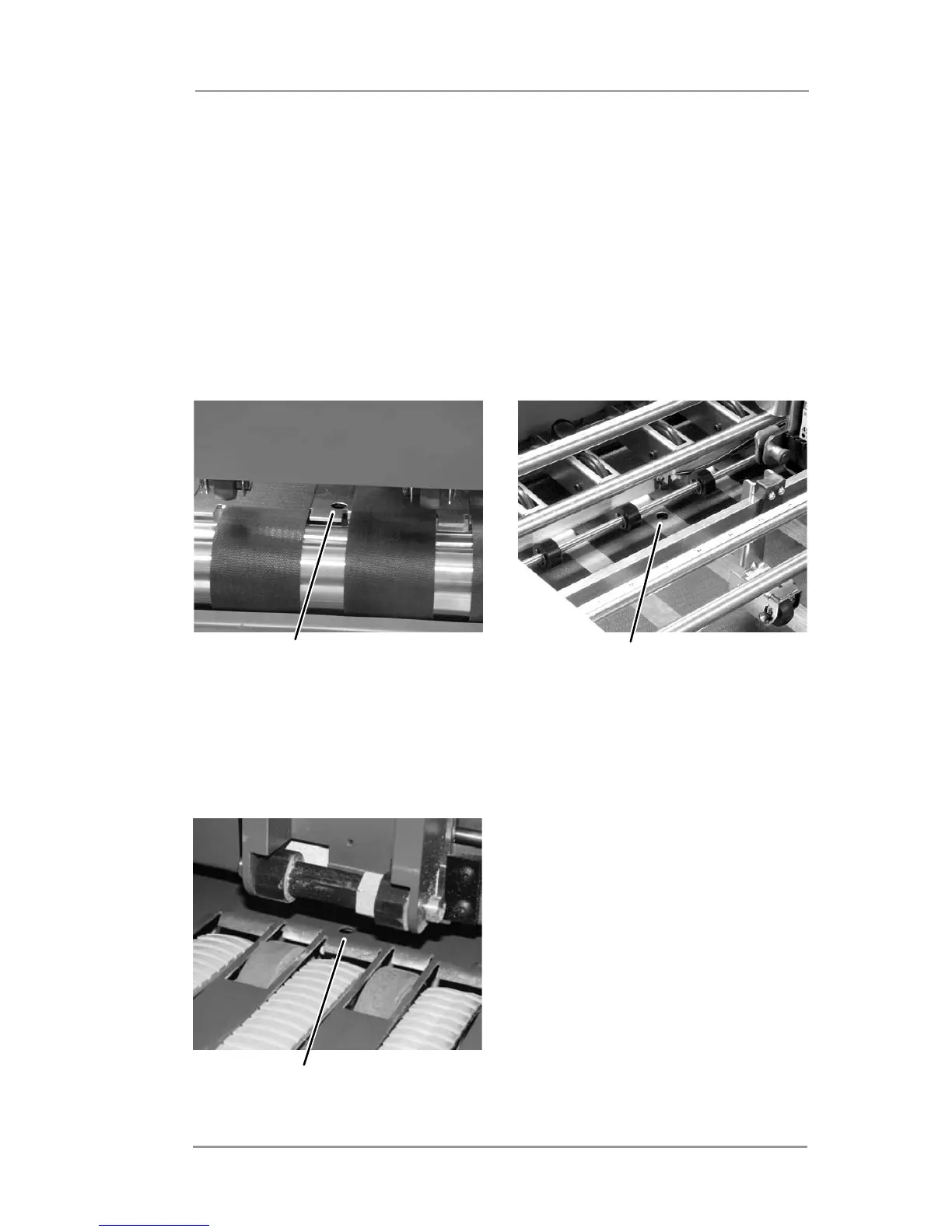
The exit and entry sensors are seen through holes in the deck of the
printer. For easy access, lift the print cover and slide the print head
assemblies to expose the sensor holes.
Entry Sensor
Exit Sensor
The feeder sensor can be seen through a hole in the deck of the
printer just below the separator assembly. For easy access, raise the
separator assembly to it's highest position and lock in place.
Feed Sensor



 To Next Page