4 • Troubleshooting
4-6 SV61749 Rev. D
Print Quality Problems
Problem Reason Solution
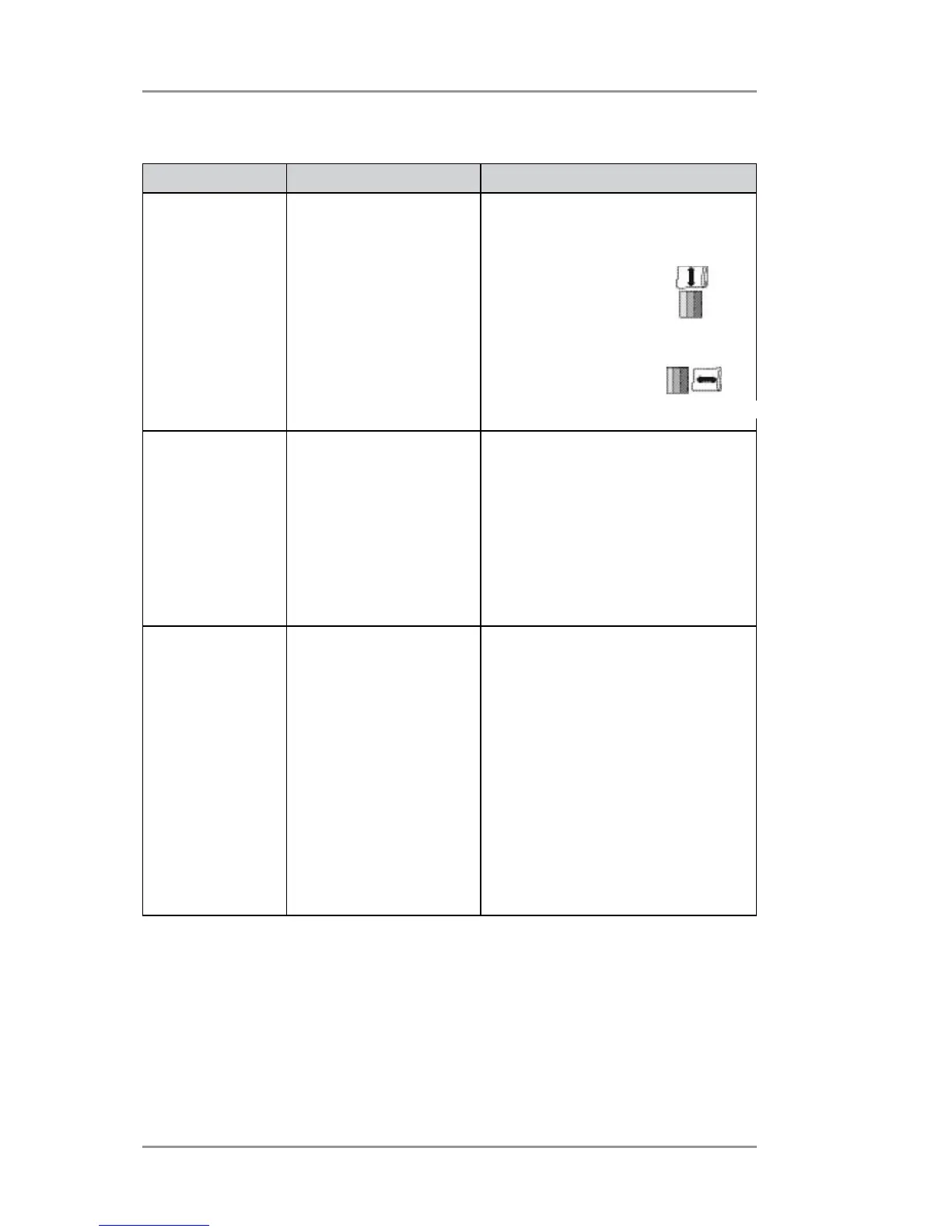
No print Ink cartridge problem Purge ink cartridge.
See Chapter 3, Print Quality
Problems.
Clean cartridge jets
with soft cotton
cloth and water
(in the direction
shown).
Light or grey
print
Ink supply is too low.
Media thickness knob
is set too high.
Check adjustment of the media
thickness knob See Chapter 2,
Printer Basics.
If this fails to correct the
problem, replace ink cartridge
See Chapter 3, Printer
Maintenance.
Address
printing is not
sharp
Incorrect media
thickness knob
setting.
Unsuitable material.
Check whether media thickness
knob is adjusted too high
Chapter 2, Printer Basics.
Print quality is less sharp when
using Tyvek, recycled or glossy
media.
Try using less glossy material or
running the job in light mode or
setting print quality mode lower.
You can also try increasing the
feed gap slightly.
Incorrect
Correct



 To Next Page