2 • Printer Basics
2-26 SV61749 Rev. D
6. Loading Material
Once your printer is set up, you can load material and make a
test print. Avoid misfeeds by following these precautions:
A. Make sure the input area is free of dust and other matter.
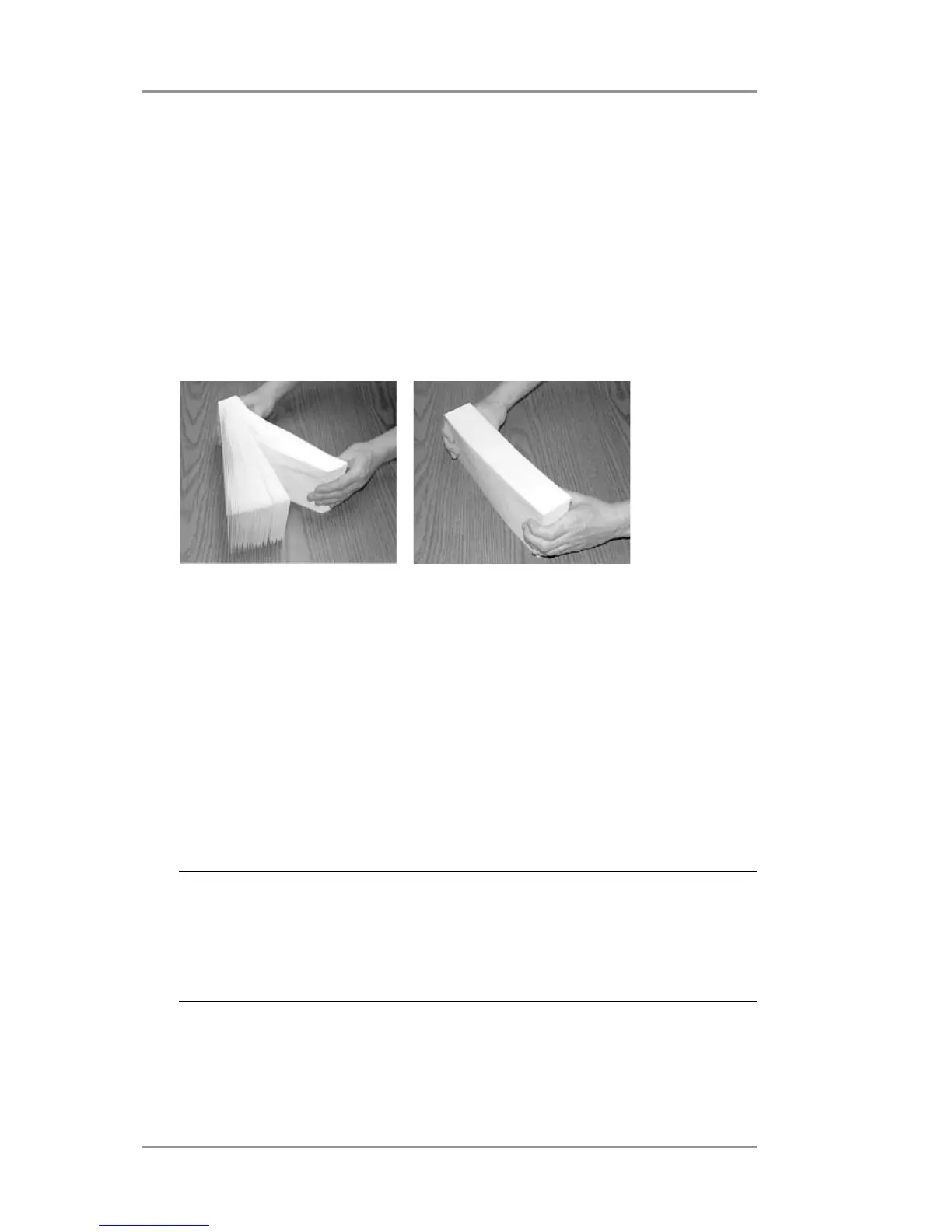
B. Take a manageable amount of material and while holding it as
shown, fan all sides of the material to separate each piece. This
step helps keep misfeeds to a minimum.
C. Tamp the lead edge of the material on a flat surface, making sure
that the stack is square. Tamping materials toward feed edge
(shorter edge of the material) will improve feed performance.
This also helps insure that any inserts are close to the feed edge
which also improves feeding.
D. Shingle the stack as you load it into the input area. Begin with
just a few envelopes, then add several more pieces. Then add
the remainder.
NOTES:
• Material should be fed into printer short edge first.
• Envelope feeding is generally more reliable if there are more
than just a couple of envelopes in the input bin.



 To Next Page