2 • Printer Basics
2-8 SV61749 Rev. D
5. Adjusting the Takeaway Roller Tension
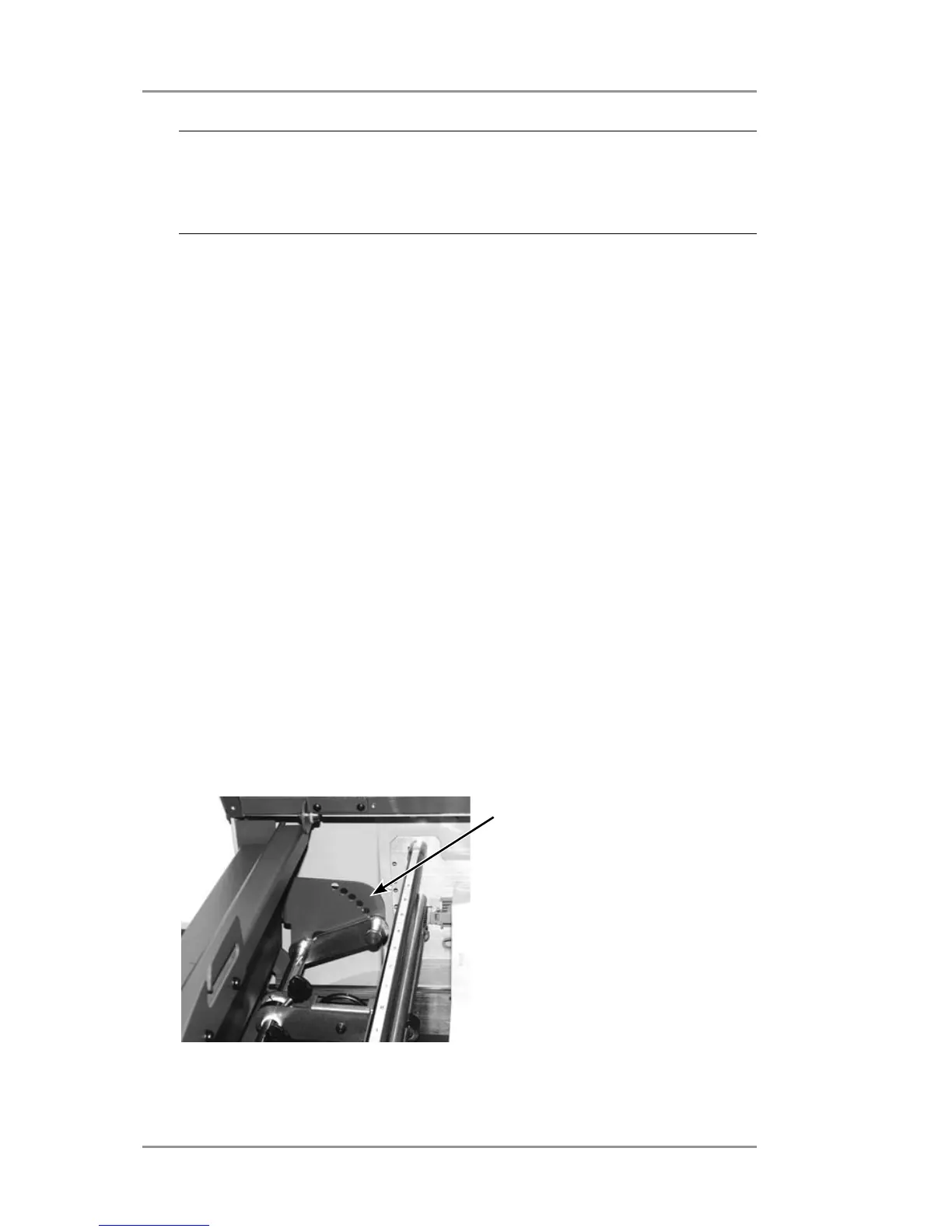
Next adjust the takeaway roller. It can be adjusted to one of seven
positions depending on the thickness of your media.
A. Lift the print station cover.
B. Grasp the adjustment lever and pull it out of it's current setting.
C. Move the adjustment lever and line it up with the appropriate
tension setting hole.
• Adjust the lever to the upper positions for thicker material,
• Adjust it to the lower positions for thinner material.
D. Push the lever until it is seated firmly in the hole for the desired
tension setting.
seven takeaway roller
positions.
NOTE: proper clearance is important. If you push the side
guides tight up against the stack, it could retard feeding and
cause jams. If the clearance is too great, pieces could skew as
they feed into the printe.



 To Next Page