Printer Basics • 2
2-17SV61749 Rev. D
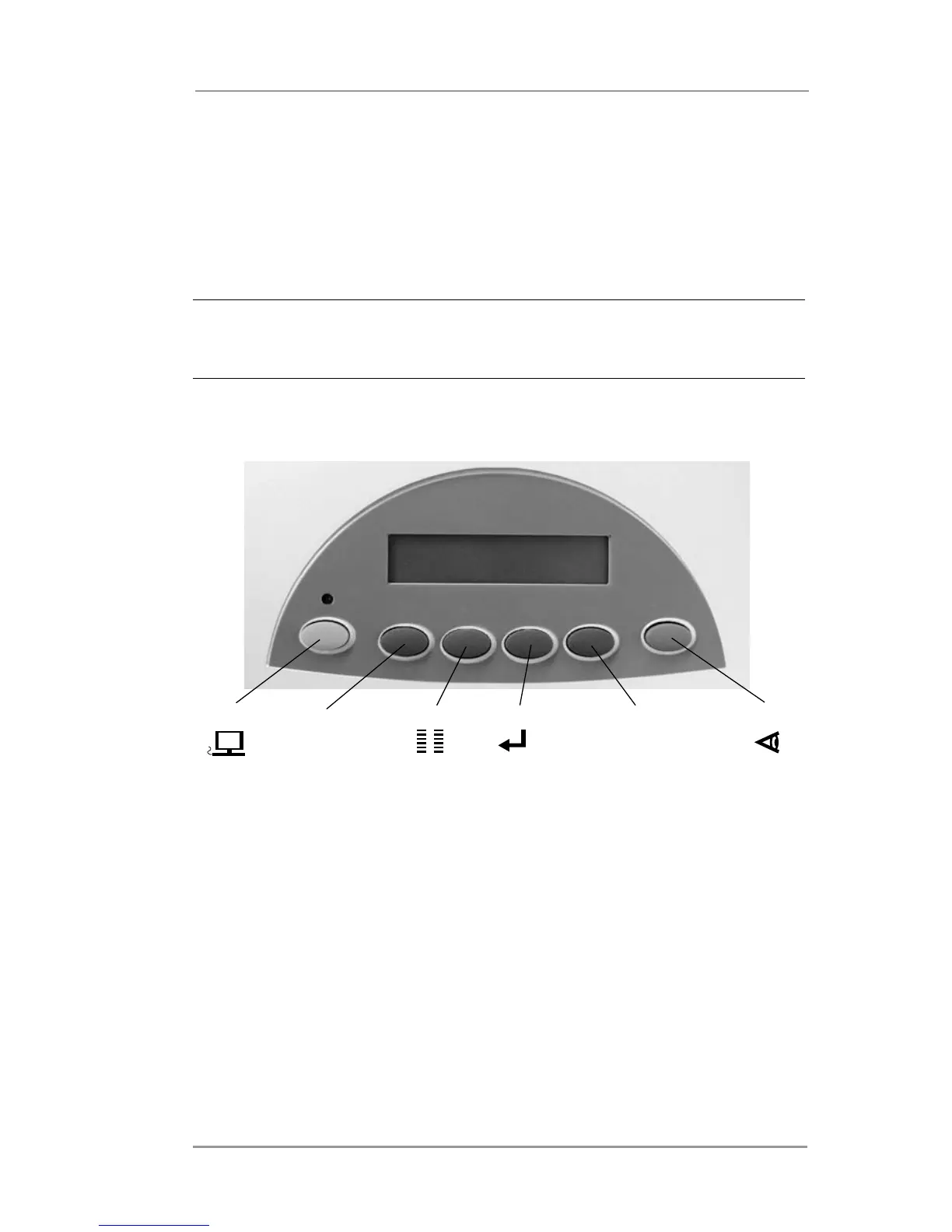
Using the Control Panel
Use the buttons on the control panel to get to the printer menus,
define the print options, run a print job, and turn the printer ON LINE
and OFF LINE. You’ll normally perform these actions from within the
application you’re using to set up your envelope layout.
NOTE: You also have a PC control panel which allows you similar
functionality to the LCD menus. The control panel also has online
help.
On Line
_
Menu Enter
+
Test Env.



 To Next Page