2 • Printer Basics
2-10 SV61749 Rev. D
TIPS:
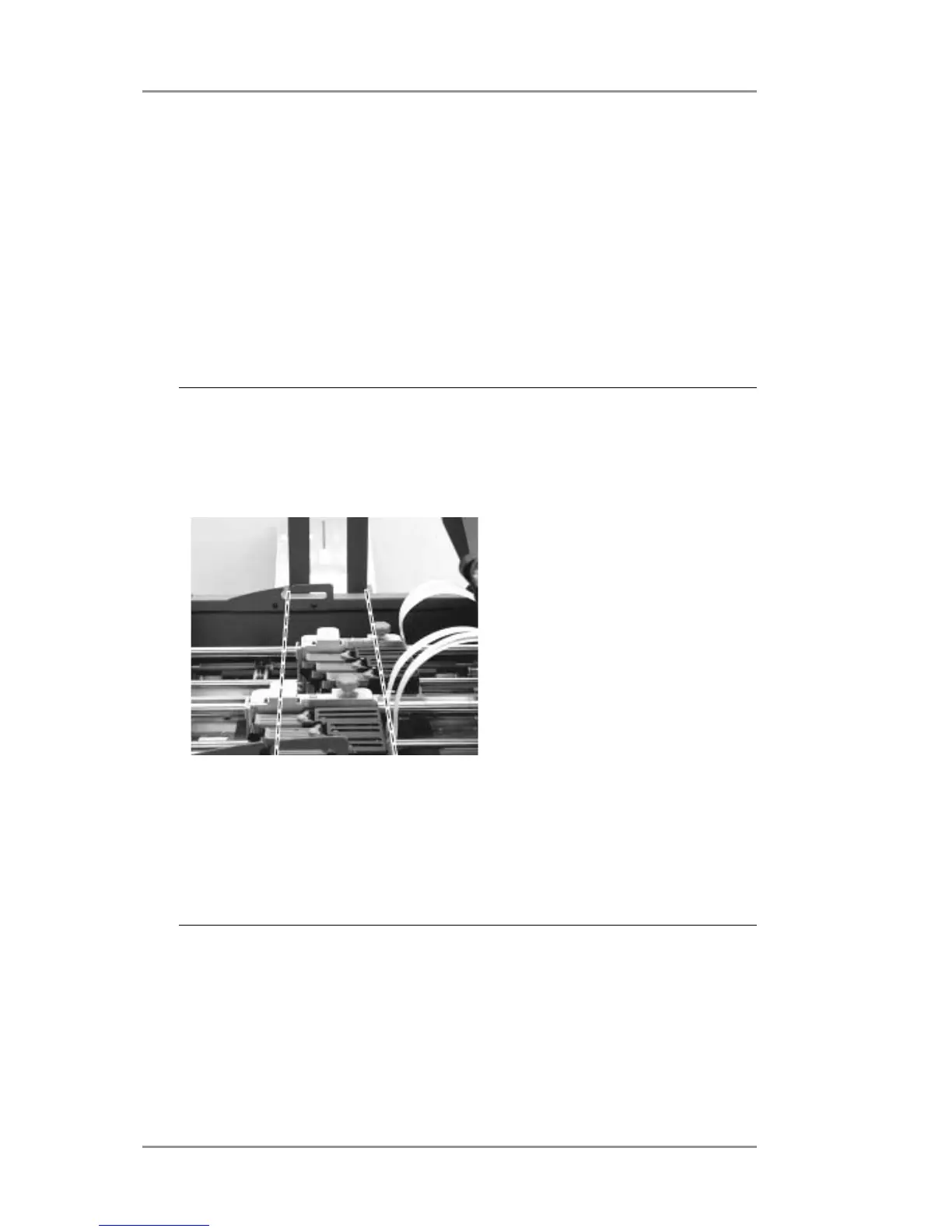
• The slotted areas of the print head modules (print zone)
should be located within the area of the side guides (see
illustration).
• If your software application is designed to work with this
printer it will provide specific coordinates for the print head
positions. Refer to your software layout when positioning the
print heads.
C. Tighten the clamp knob to secure the print head module in place.
D. Repeat steps A through C for print head Module B.
E. Feed a piece of media into the printer and then press the test
envelope button to print a test piece. Adjust the print heads as
necessary until the desired positions are achieved.



 To Next Page