Printer Basics • 2
2-13SV61749 Rev. D
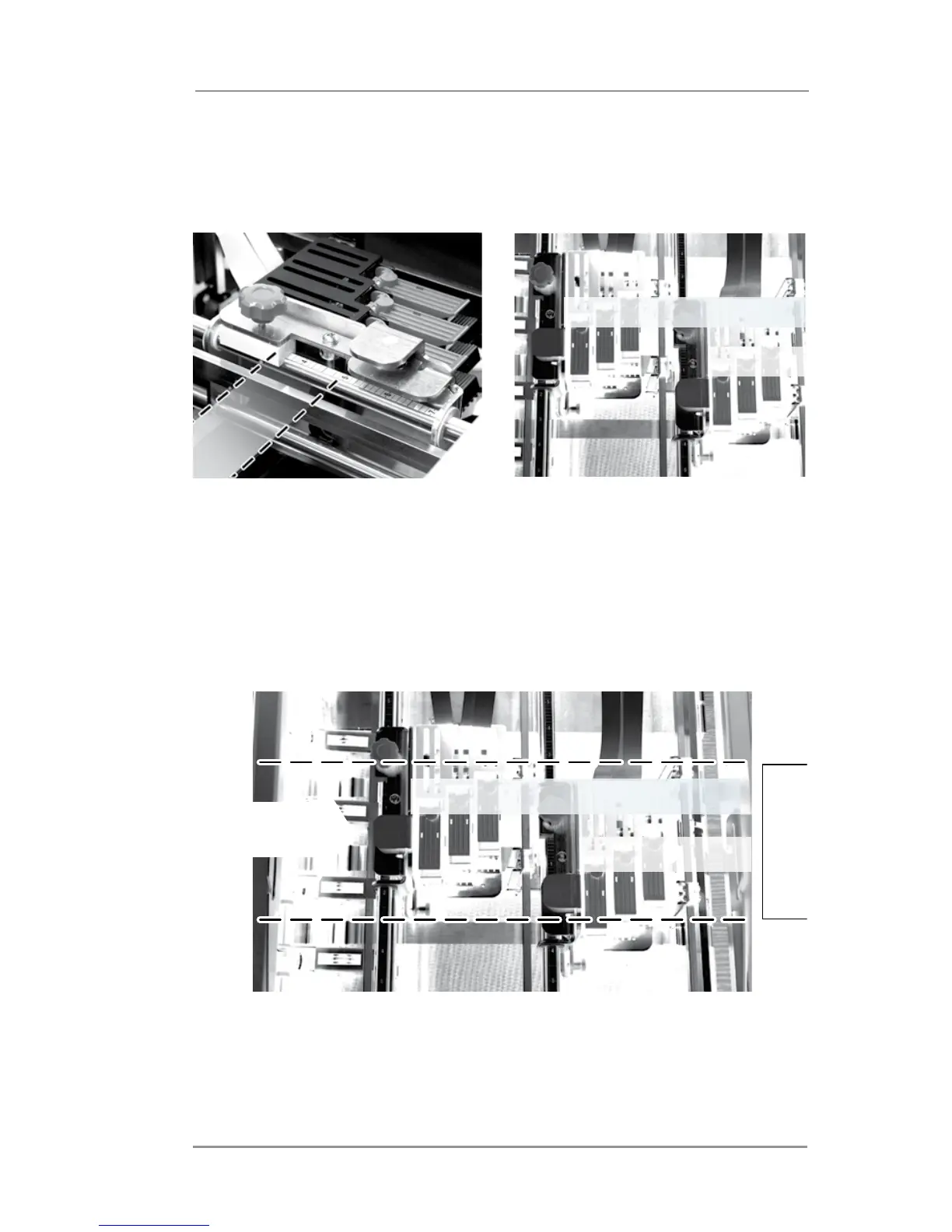
C. The rollers must be out of the path of wet ink (print zone)
from the previous(up stream)module of print heads. The
following illustrations show the print zone area for each
module.
The following example shows both print head modules and four
rollers properly positioned for a standard envelope size.
• Two rollers from each module are touching the media.
• All four rollers are outside of the print zones.
Printing happens within the
grooved area of the top bracket
of each print head module
Print zone represents the area of
each print head module where
wet ink can be applied to media.
EXAMPLE
Paper
Edge
Paper
Edge
Paper Path
Print Zone(Bank A)
Print Zone(Bank B)
Company A
123 Anywh
Some Town
Print Zone(Bank A)
Print Zone(Bank B)



 To Next Page