47
Key and Scale
Knob Mode Key/Scale
In knob mode, the pitch outputs will be a quantized reading from the [PITCH KNOBS]. To change the number of octaves
available in a turn of the knob, change the Knob Range in the Top Row Settings.
The top and bottom of the knob will always be the root note of the Key selected.
Output Octave
The Output Octave is selected using the [OCT+ BUTTON] and the [OCT- BUTTON]. Output Octave is an octave offset
transposition applied to the [PITCH OUTPUT] of the chosen channel. It is transposing and applies as a global setting,
which means it will change the notes you have saved in your sequence in Keyboard Mode.
Keyboard Octave
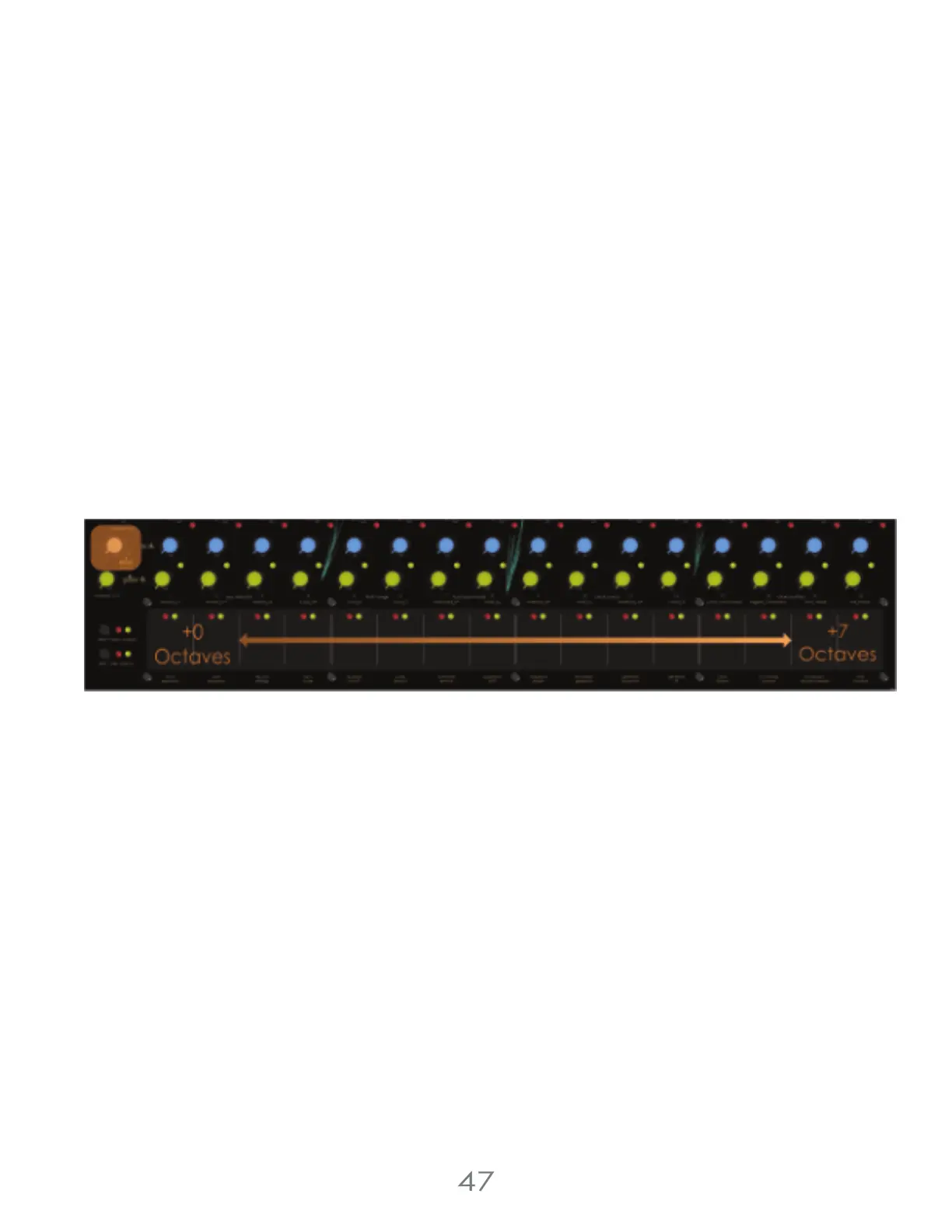
To give the user access to more octaves in keyboard mode without transposing any saved sequences, there is a
Keyboard Octave offset. While in Keyboard Mode and not in any other menus, the [VALUE KNOB] can set the the
Keyboard octave from 0 to 7 octaves.
It’s helpful to think of this as shifting the [TOUCH PADS] to the right on a Piano
4 Voltage Lab 2 Touch Controller



 To Next Page