49
Going Deep With the VL2 Sequencer
How it Works
The Touch Controller’s Sequencer is two 16-Step CV sequencer that generates a wide range of quantized
and un-quantized CV sources. Both channels of the sequencer share Clock Settings, but don’t share a
whole lot else!
There are a wide range of tools for sculpting rhythm and pitch; including per step settings, CV rhythm
glitching tools, randomness engines, and timing settings that effect the whole sequence.
The beauty of the Touch Controller’s Sequencer is in the wide world of interactions between all of its
settings. Exploring and playing with the interactions is where it gets fun.
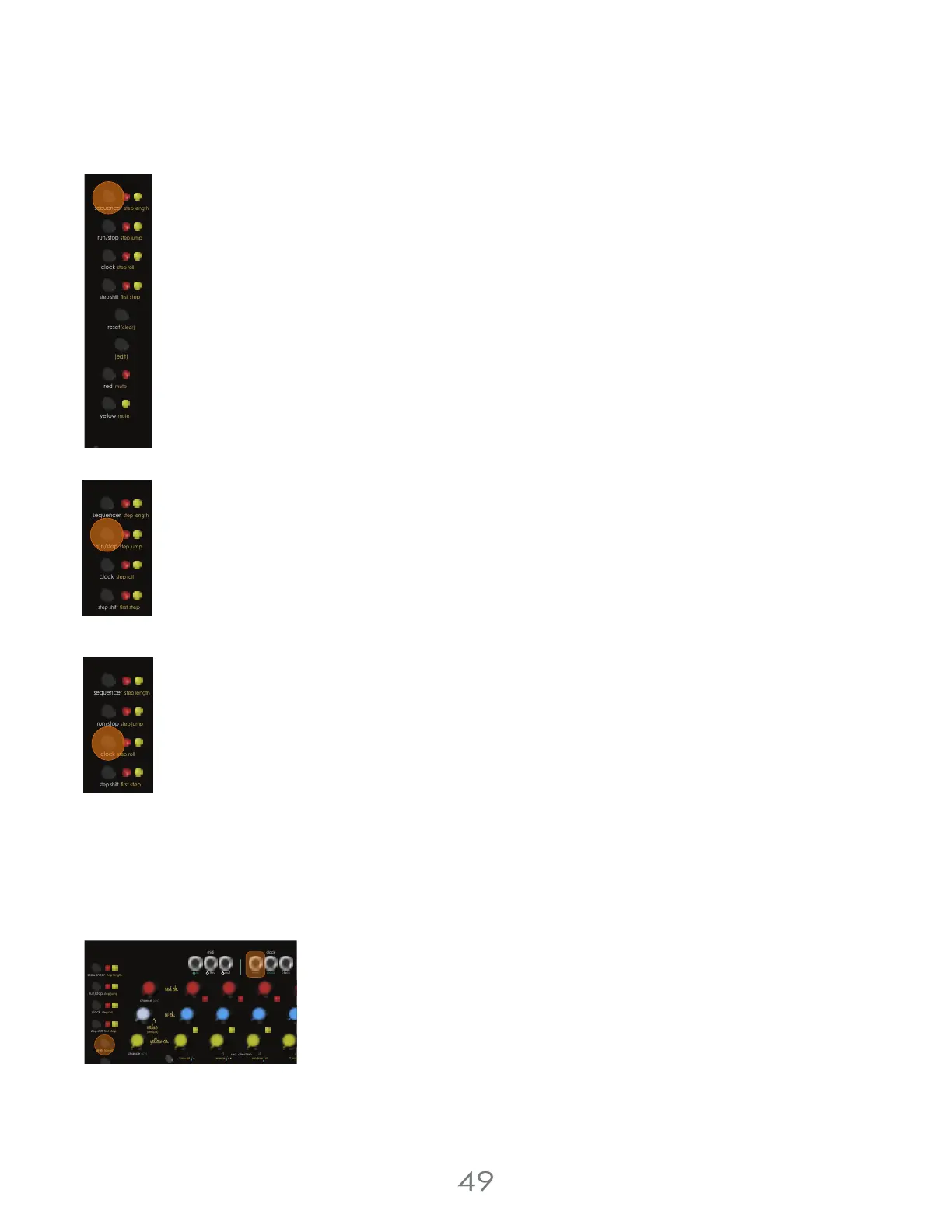
To enter sequencer mode, use the [SEQUENCER BUTTON] found at the top left of the touch controller.
Run/Stop
To start a sequence running, use the [RUN/STOP BUTTON]. You can start each of the two sequencers at
different times and they don’t ask to be on the same step; so if you want them lock stepped, make sure
you’re controlling both when you start them!
Setting the Tempo
In External Clock Mode and MIDI Clock Mode, the tempo is set by an external source: the [CLOCK IN JACK]
or the [MIDI IN JACK] respectively.
In Internal Clock Mode, the tempo is set using the [CLOCK BUTTON] located in the Controls Section. Tap the
tempo in using this button to set your tempo.
Knob Mode vs Keyboard Mode
In Knob Mode, steps are sequenced by pressing the [TOUCH PADS], and the pitches are set by the [PITCH KNOBS].
In Keyboard Mode, steps are sequenced by playing live while the sequencer is running.
Global Resets
To reset both sequencers to their First Step, you can either press the [RESET BUTTON] or
send a trigger or gate into the [GLOBAL RESET JACK]. The global resets don’t lose time;
your sequence will reset on the next clock pulse after you trigger a reset.
Channel Mutes
To Mute a channel, hold the [EDIT BUTTON] and press the Red or Yellow [CHANNEL BUTTON]. The [PITCH KNOB LEDS] for
the muted channels will flash as long as the channel is muted.
4 Voltage Lab 2 Touch Controller
step shift
(edit)
mute
red
mute
yellow
run/stop
step roll
clock
first step
sequencer
step jump
reset
(clear)
step length
step shift
run/stop
step roll
clock
first step
sequencer
step jump
step length
step shift
run/stop
step roll
clock
rst step
sequencer
step jump
step length
clock clock
resetout
thru
in
1
42
3
chance (cv)
chance (cv)
clockmidi
c d
step shift
run/stop
step roll
clock
rst step
seq. direction
c
2 oct d
sequencer
step jump
reset
(clear)
(tempo)
step length
forward
reverse
random



 To Next Page