Internet Telephony PBX System
IPX-330/IPX-2100
118
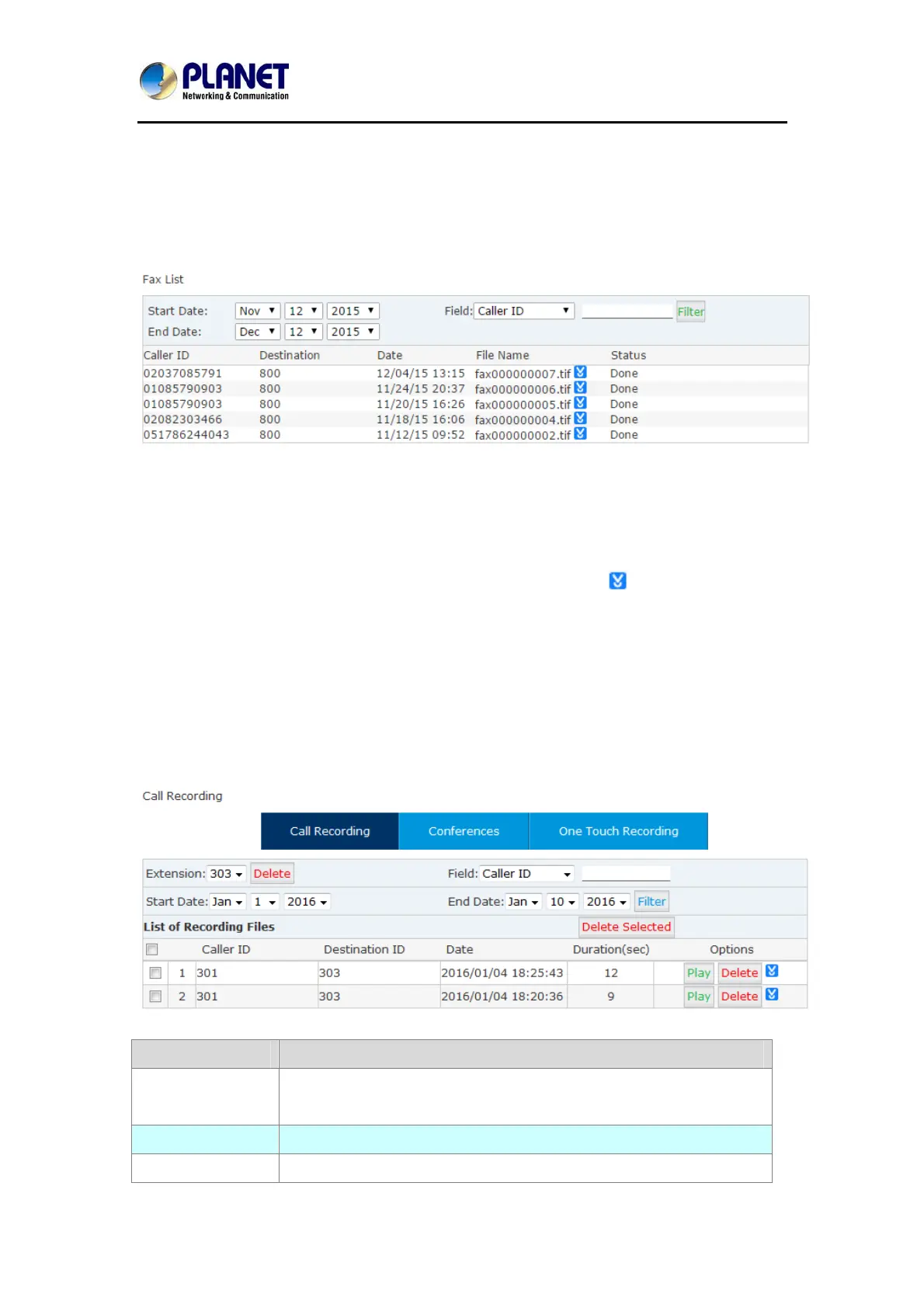
6.2 Fax List
You can search any fax received by the IPPBX system.
In the “Start Date” and “End Date” fields specify a time duration, and click “Filter” you’ll get all
faxes received during this time period. If you specify a “Caller ID” or “Destination ID” in the
“Field” blank you can get the fax sent/receive by a specific number in this time period.
The faxes can be downloaded to your PC hard drive by clicking the
button.
6.3 Record List
6.3.1 Call Recording
You are able to search all recorded call conversations if you had configured the extension
always to be recorded.
Item Explanation
Extension Select an extension number to search the recordings of this
extension.
Delete Delete all recordings of the selected extension number.
Field Filter the recordings by specifying caller ID or destination ID. For



 To Next Page