Internet Telephony PBX System
IPX-330/IPX-2100
126
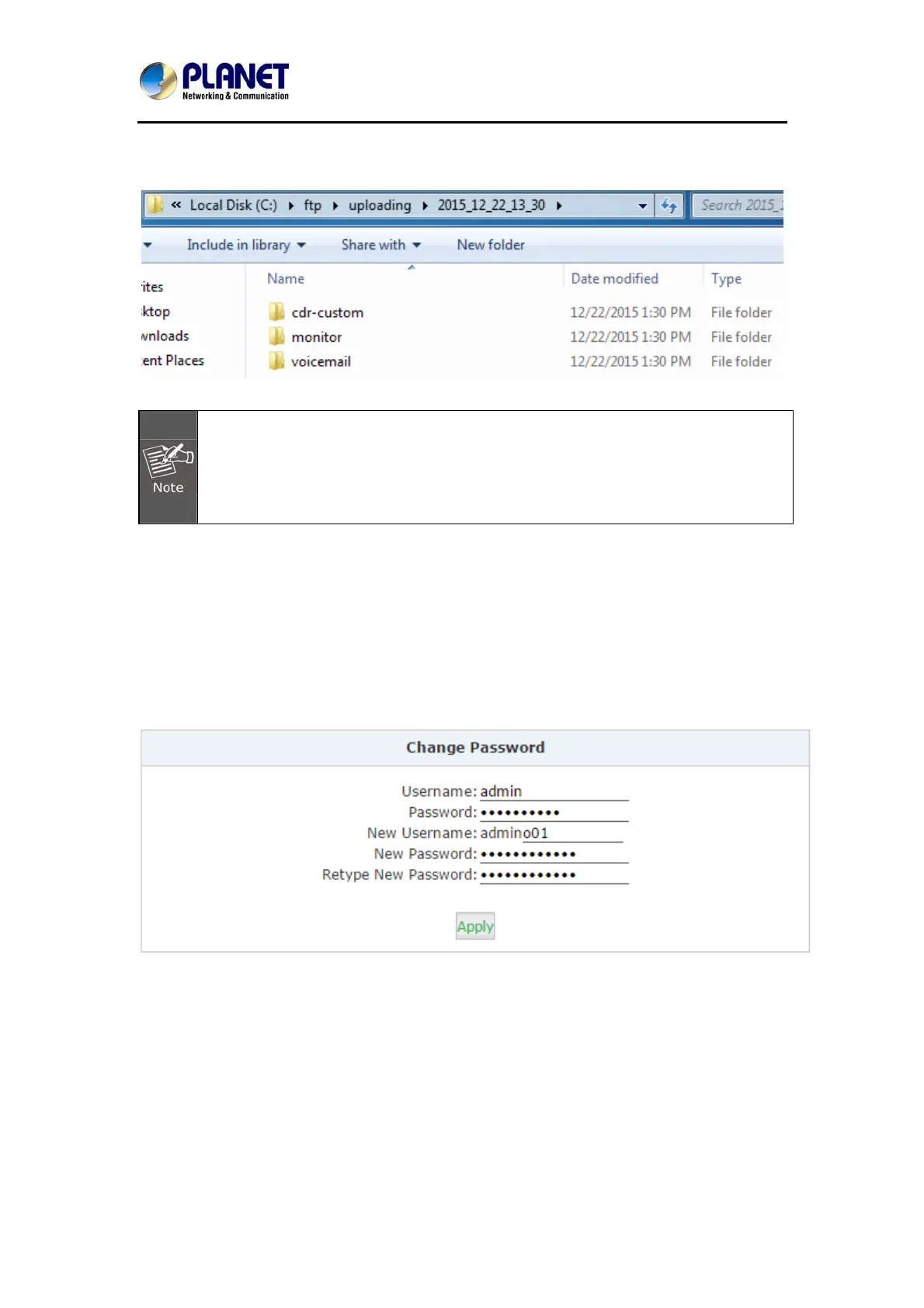
After each uploading you’ll get a new folder on your FTP server directory named by the date
and time of this uploading.
After each uploading except the call logs (Master.csv inside cdr-custom folder) other
files will be removed from the IP PBX system, including the call recordings (files
inside monitor folder) and voice messages (files inside voicemail folder). So after
each uploading you get only the newly generated audio files.
7.3 Management
7.3.1 Change Password
In the “Change Password” section, you are able to change admin password, also admin
username can be changed by adding some extra letters following name string “admin”.
Once completed, click “Apply” you’ll be automatically logged out and redirected to the login
page, now you are able to login with the new username and password.
7.3.2 Set System Voice Prompts
What's system voice prompts?
System voice prompts guide the callers how to place a call or how to use the IPPBX system
functionalities. For example, while checking voicemail the system voice prompts indicate the
user to enter voicemail password and another case if calling someone without answering,



 To Next Page