Internet Telephony PBX System
IPX-330/IPX-2100
129
7.5.1 Reset
By clicking “Factory Defaults” button you can reset all configurations of the IP PBX system.
Except the configurations to be reset, the recording files, voicemail messages and call logs will
also be erased. So please make sure you have backed up the files you need before resetting.
The whole resetting process will be done in 2 minutes. If you choose to reset network settings
also, then you need to login with the default URL https://172.16.0.1
on WAN. Username and
password will all be reset to admin.
7.5.2 Reboot
By clicking “Reboot” you can restart the IPPBX system, the whole process will be done in 2
minutes.
7.6 Upgrade
Planet will update the IPPBX firmware irregularly for new features and bug fixes. You can visit
our office website www.planet.com.tw
to check the updates for your IP PBX system.
The downloaded firmware package should be in .zip format, please extract the package first
and upgrade with the uImage-md5.xxx file to upgrade your IP PBX system.
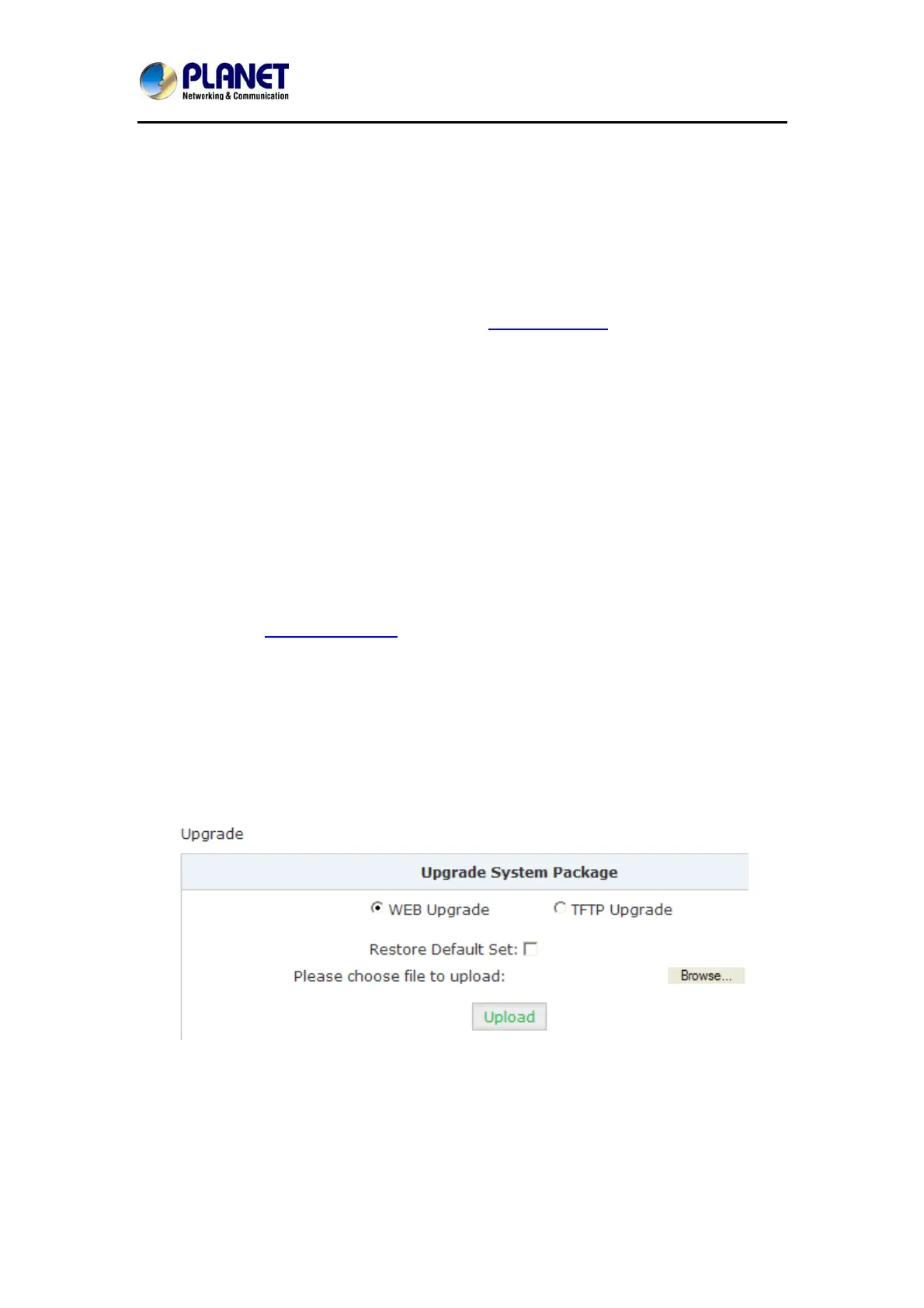
You can see there are two methods you can upgrade the IPPBX firmware, they are web
upgrade and TFTP upgrade.
7.6.1 Web Upgrade
Check “WEB Upgrade” radio button and click “Browse” button to locate the new firmware in
your PC hard drive. Click “Upload” it will ask you to confirm if restart the IP PBX system to
complete the upgrading process. You can click “Yes” to continue upgrading.



 To Next Page