Internet Telephony PBX System
IPX-330/IPX-2100
136
Step 4:
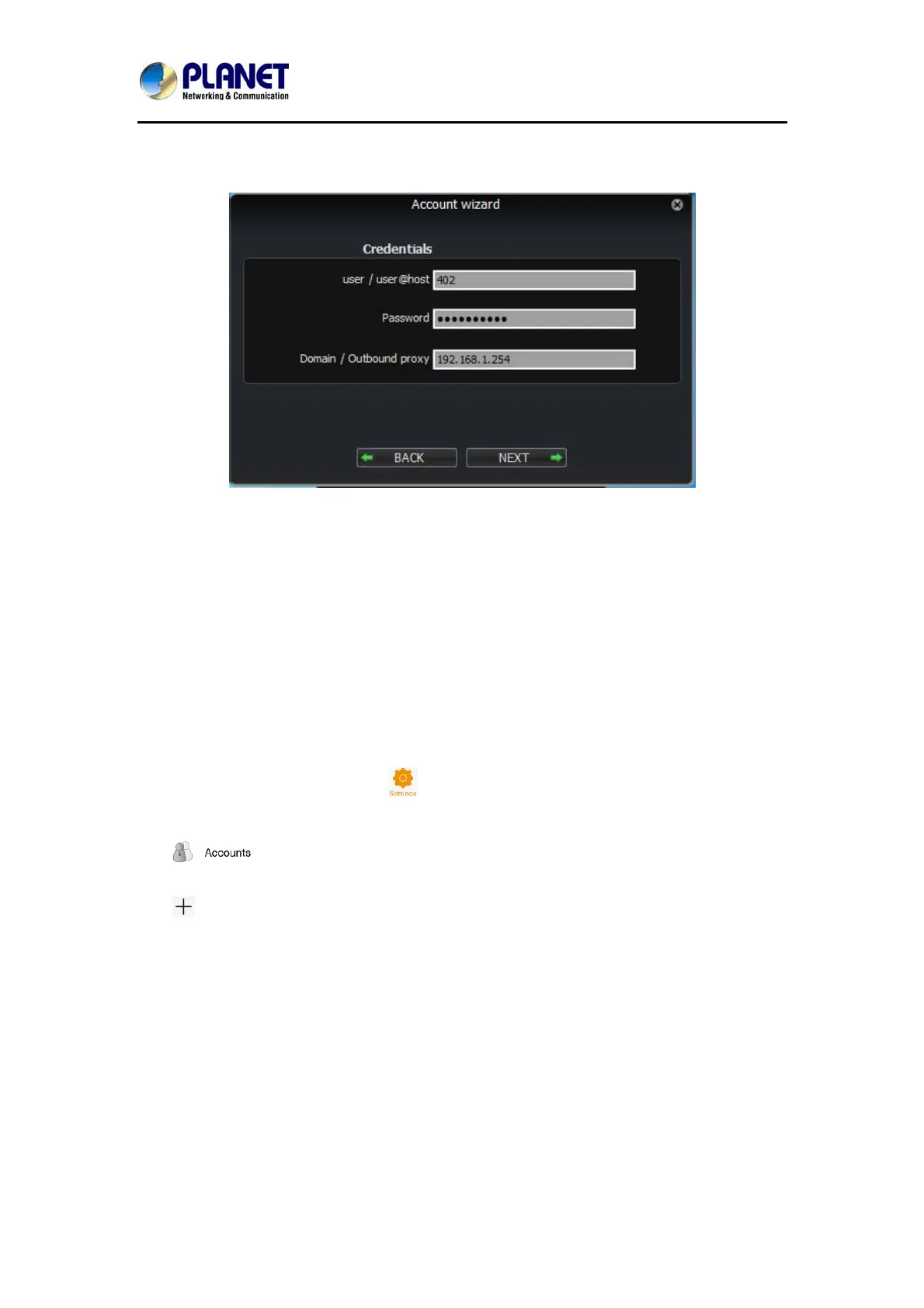
Fill in the register credentials as below.
Step 5:
Click Next to complete registering.
8.4.2 Softphone on Android Phone, iPhone or iPad
The softphones mentioned previously most of them have mobile editions for both Android
and iOS platforms. You can download to install from your mobile phone APP Store.
Below is how you register Zoiper softphone to IP PBX as an extension from your iPhone:
Step 1:
Run Zoiper on your iPhone and tap
menu.
Step 2:
Tap
menu.
Step 3:
Tap
to create a new account.
Step 4:
It asks “Do you already have an account (username and password)?” tap “Yes” and then tap
“Manual configuration” to continue.



 To Next Page