Internet Telephony PBX System
IPX-330/IPX-2100
135
below:
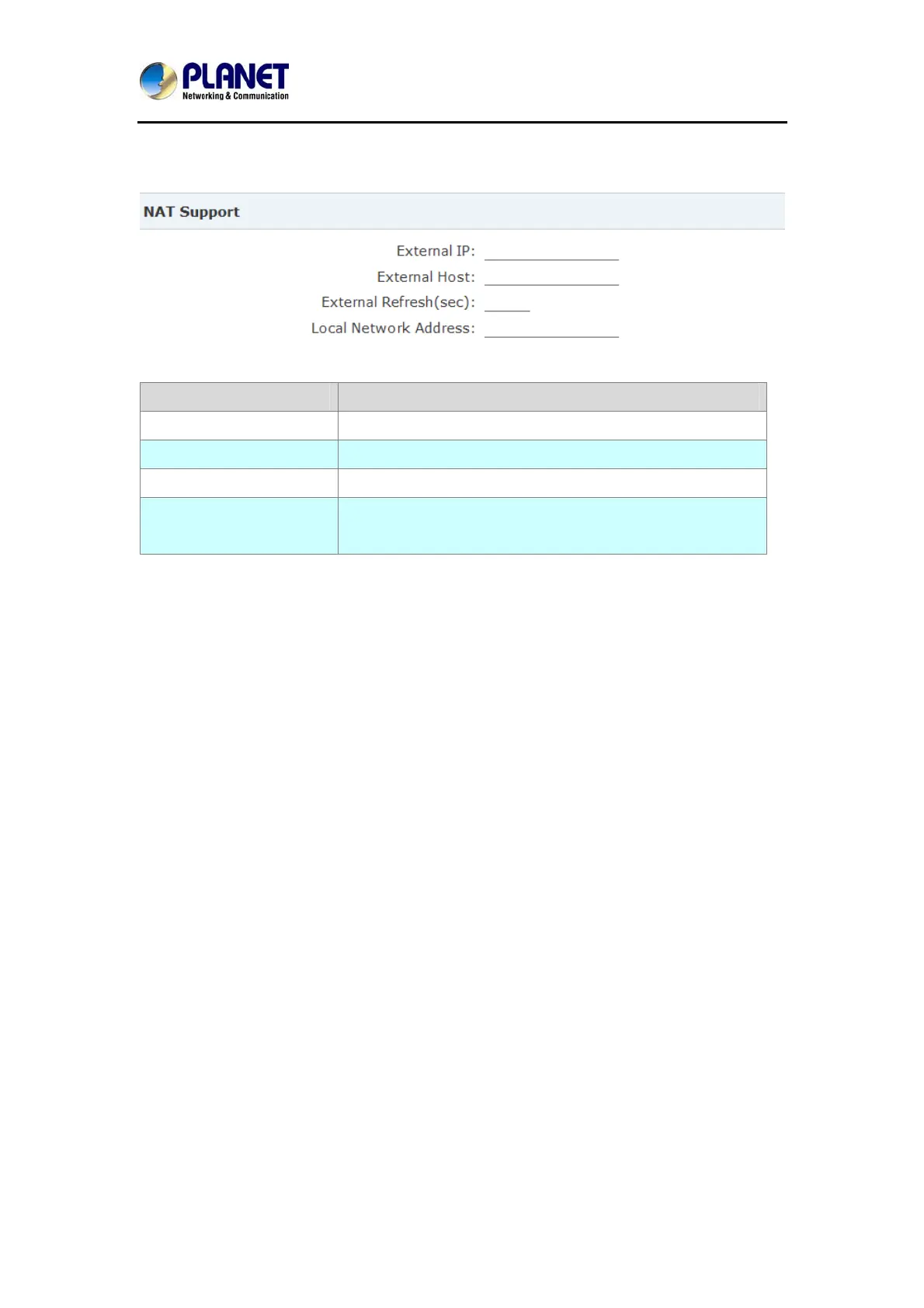
Click【Advanced】->【Option】->【Global SIP Settings】:
Item Explanation
External IP External IP or domain to replace the device IP
External Host External domain to replace the device IP.
External Refresh(sec) Refresh time, default is 10 seconds
Local Network Address IP address and subnet mask needed to be converted.
e.g. 192.168.1.100/255.255.255.0
8.4 How to use soft phone in IPX-330 or IPX-2100
8.4.1 Softphone on Windows PC
The softphones 3CX, Bria, Zoiper and many other softphone APPs all can work with IP PBX.
Below is an example of registering Zoiper to IP PBX system as an extension from your
Windows PC.
Step 1:
Dowload Zoiper from http://www.zoiper.com/.
Step 2:
Install and run Zoiper on your Windows.
Step 3:
Click menu “Settings” and select “Create a new account” and select “SIP” protocol and click
Next.



 To Next Page