Internet Telephony PBX System
IPX-330/IPX-2100
120
Item Explanation
Date The time when exactly this call began.
Play Playback, delete and download options of the recording files.
Delete Delete the recorded audio file.
6.3.3 Call Recording Playback
On IP PBX system, you have two ways to playback the recording files.
z Playback on the web interface
z Playback on a specific phone
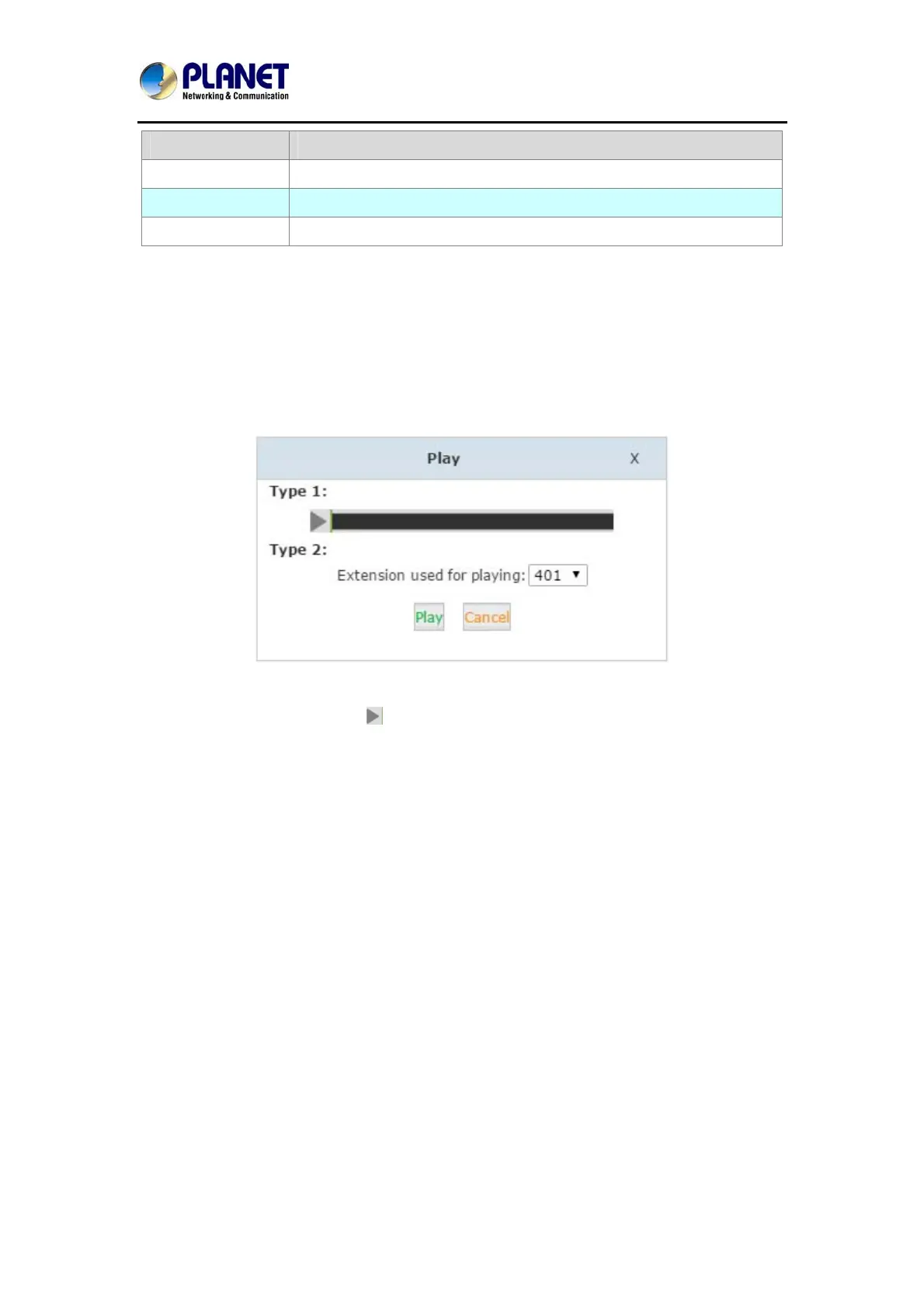
By clicking the “Play” button on a call recording file you’ll see a dialog like below:
With “Type 1”, you can click the
button you can playback the recoding directly on the web
interface.
With “Type 2”, you can specify an extension number and click on “Play” then the extension will
ring and you pickup the extension it will play on the phone.
6.4 Call Logs
Call log is also known as CDR (Call Detailed Records), on the call logs page you can check
any call records went through the IPPBX system.



 To Next Page