Internet Telephony PBX System
IPX-330/IPX-2100
123
Chapter 7. System
7.1 Time Settings
System time is very important for the IP PBX system, if the IP PBX system handles the
inbound phone calls using time rule, then only the system time is correct the calls can be
handled properly. Besides, call logs and debug logs they record the system events using
system time as well.
The IPPBX system supports NTP (Network Time Protocol) and manual time set.
7.1.1 NTP
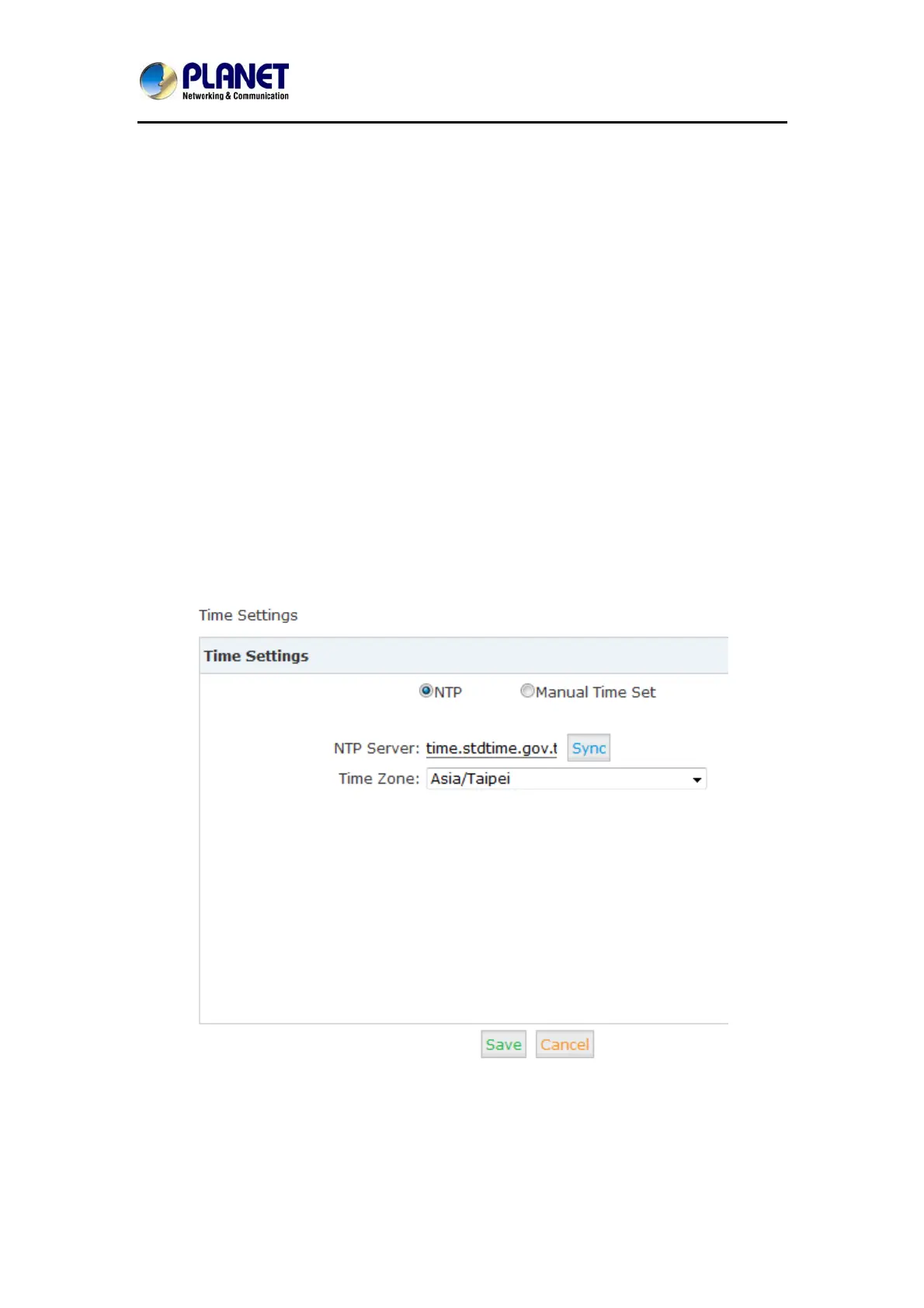
Navigate to web menu System->Time Settings.
By default, IP PBX system use NTP to obtain time from Internet time servers. All you have to
do is telling the IP PBX system where to find the server by specifying its domain or IP address.
And also don’t forget to select the correct time zone you are in.
Once done, click “Sync” button the IPPBX system will try to synchronize the current time from
the Internet. It might take a while depending on the network conditions.
After the process is done, you’ll get notice “Sync Failed!” or “Sync Success!”. If failed please



 To Next Page