NetworkVideoRecorderwithHDMI
NVR‐820/NVR‐1620
108
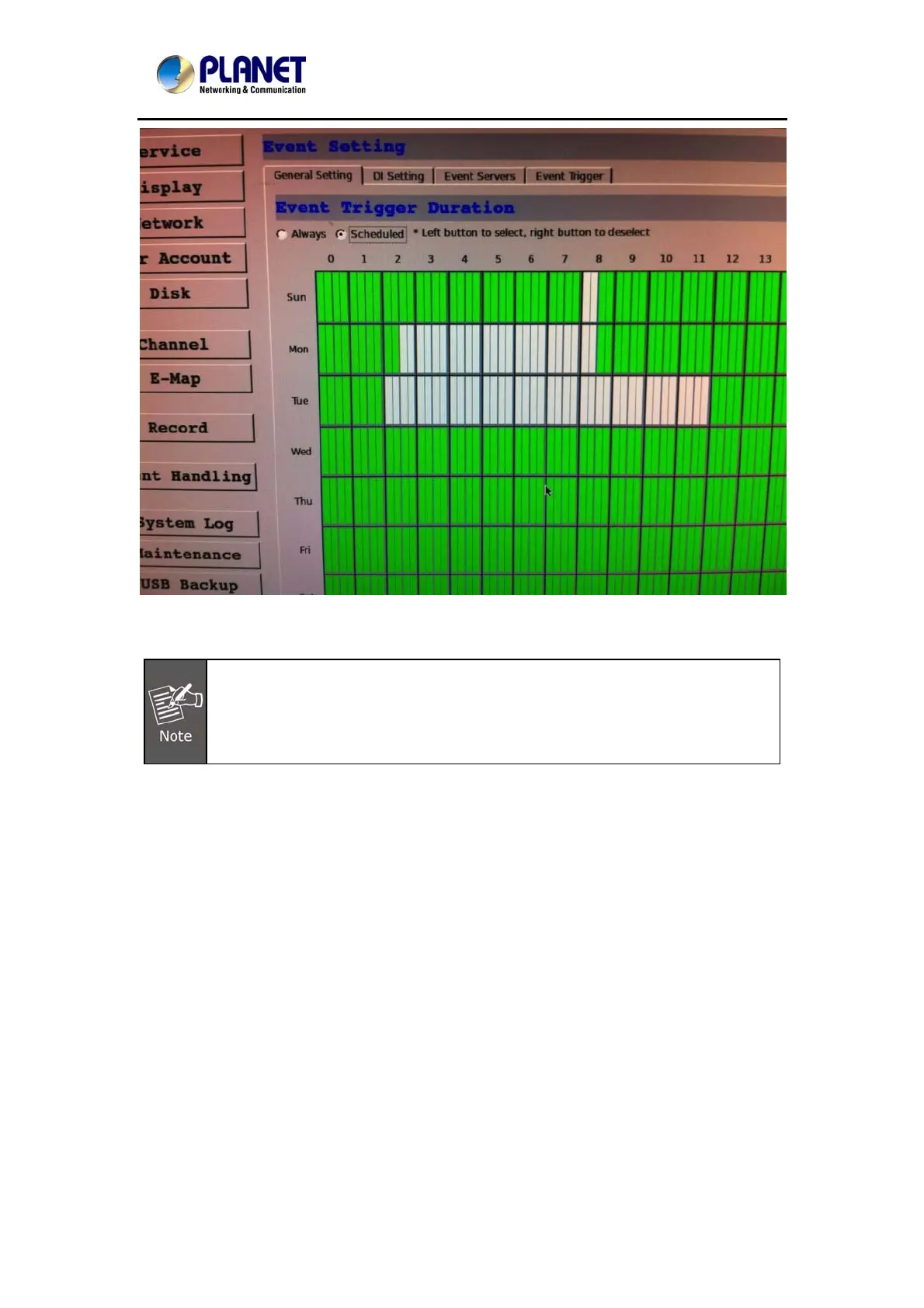
• For the “Scheduled” option, use the table to define a range of time if you would like events to
trigger corresponding actions only during a certain period of time.
* Use the mouse left button to select and the right button to deselect.
* You can click and hold down the left button and drag horizontally to quickly
select consecutive hours of a particular day, or drag vertically to select the same
time for multiple days. Drag diagonally to select consecutive hours/days at once.
* Each cell box represents 15 minutes of time.



 To Next Page