NetworkVideoRecorderwithHDMI
NVR‐820/NVR‐1620
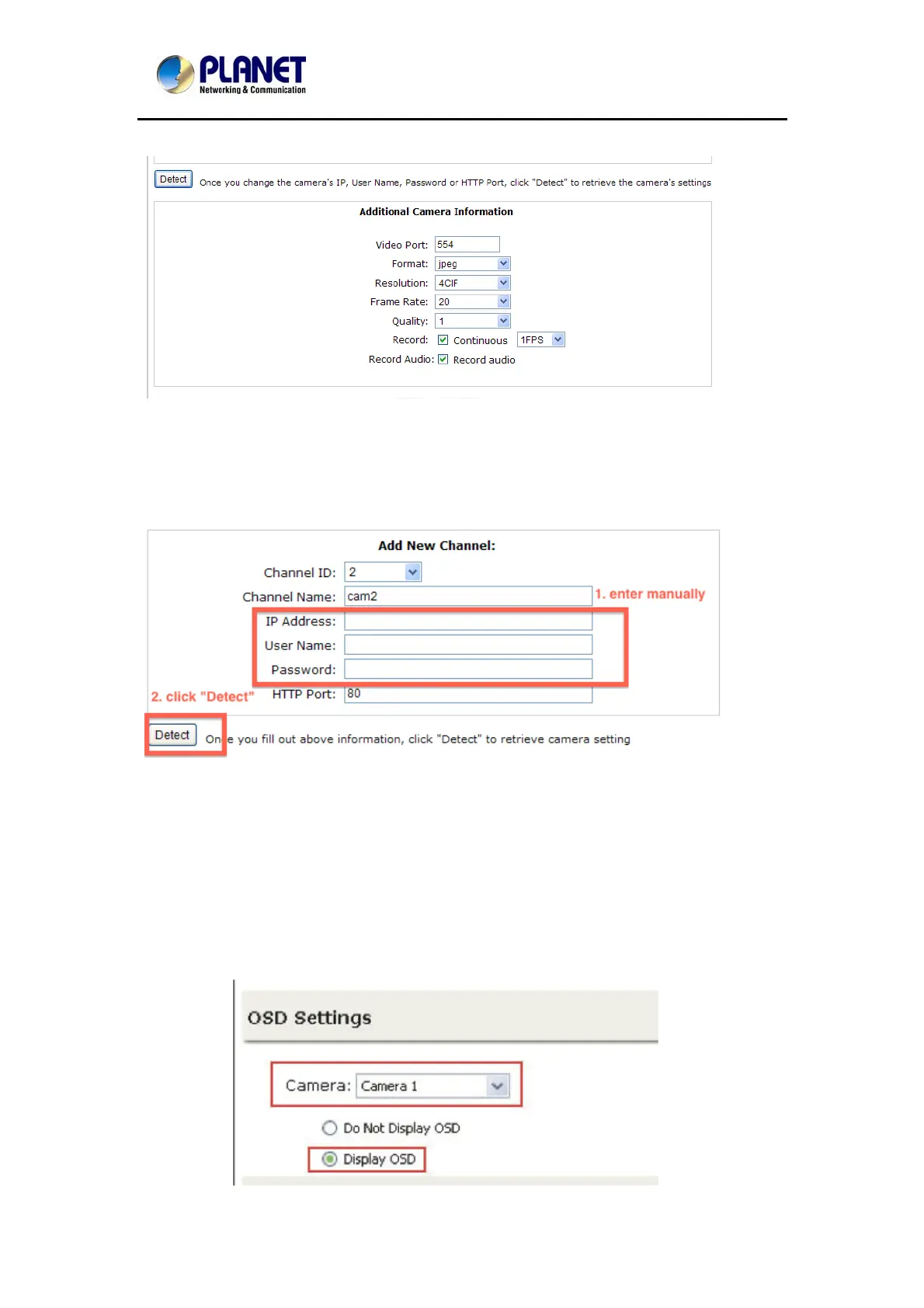
For single stream camera, only the recording fps can be adjusted.
8.1.2 Adding a Camera Manually
Simply follow the instruction described above but instead of using the “Search” function, enter
the camera’s IP address and credential in the “Camera Information” manually.
8.2 OSD Settings
The OSD (On Screen Display) allows users to add informational text message and embed it
onto the video. By default, this function is turned off. To add texts to one or more videos, select
a camera you would like to add text to and choose “Display OSD”
59



 To Next Page