NetworkVideoRecorderwithHDMI
NVR‐820/NVR‐1620
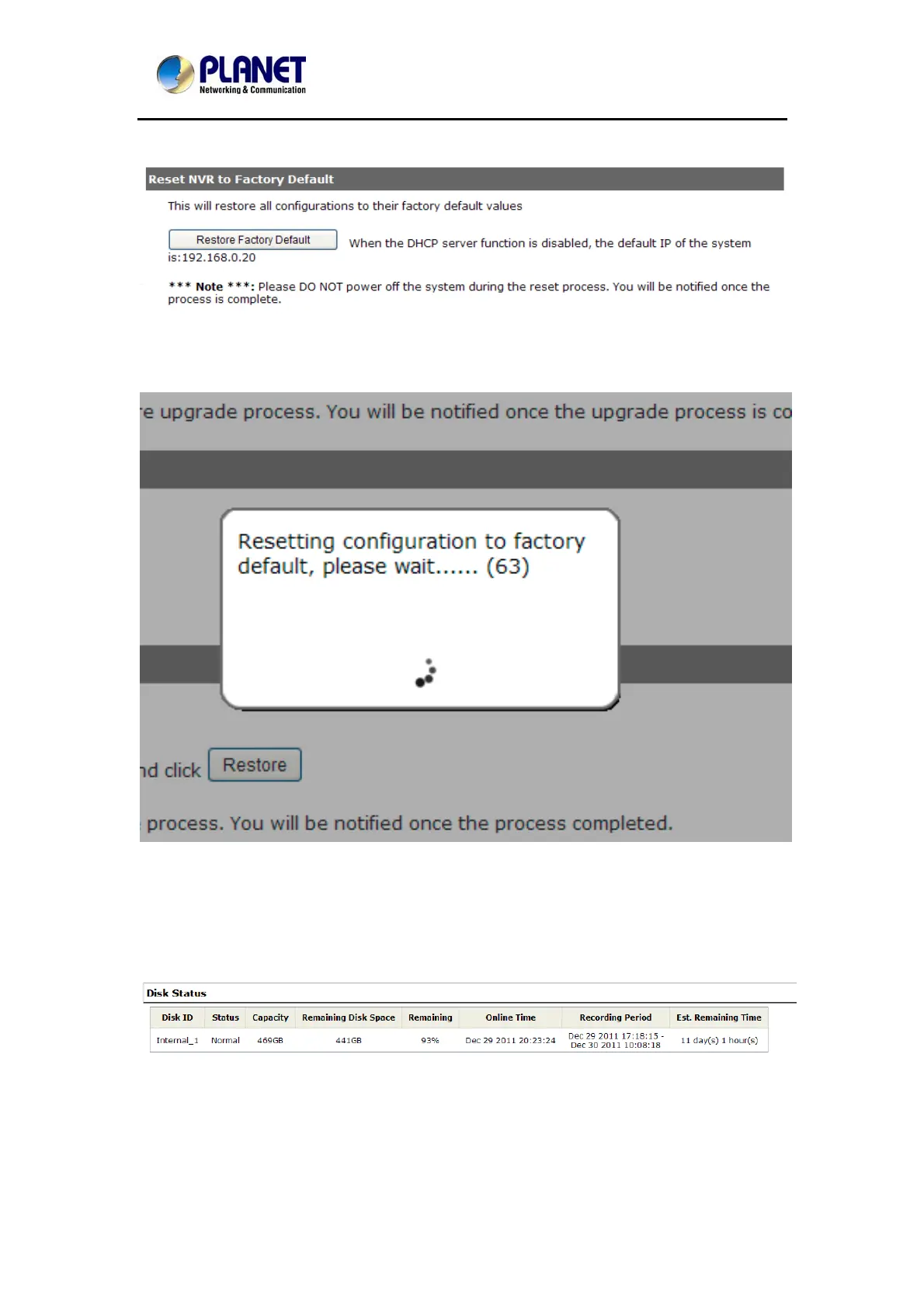
11.3.4 Resetting the NVR to Factory Default
To reset the recorder back to its factory default, click the “Restore Factory Default” button and
begin the process.
The process should be displayed and you should be prompted back to the “Live View” page
after it is completed.
11.4 Disk Status
“Disk Status” gives you more detailed information of the hard drive that is currently installed in
the NVR.
82



 To Next Page