NetworkVideoRecorderwithHDMI
NVR‐820/NVR‐1620
unusual event occurs.
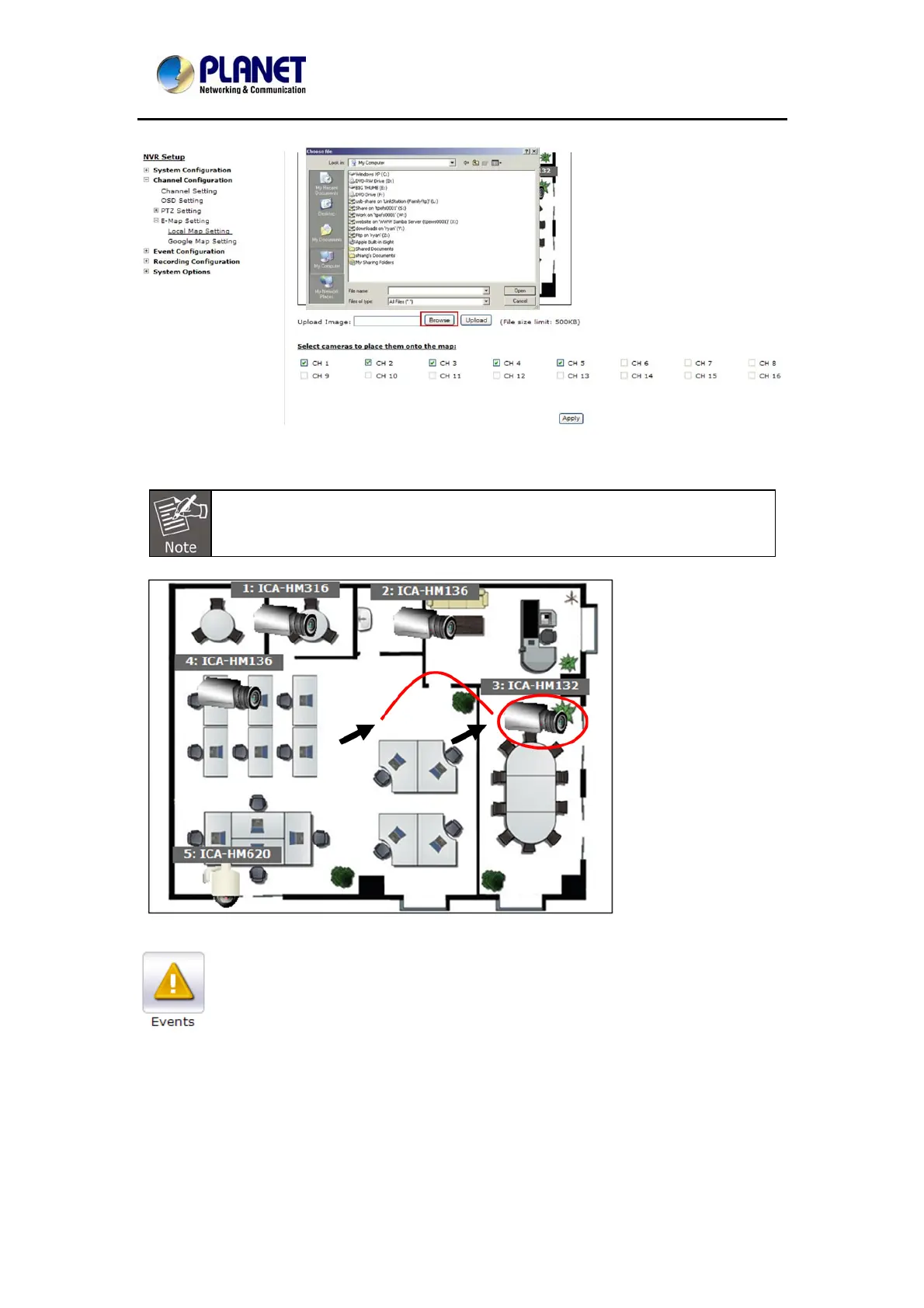
To replace the map, click the “Browse” button to locate the new map image file from the local
PC and then click “Upload”.
* Only JPG, PNG, and GIF file formats are supported with file size under 100KB.
Then click and drag the camera icon to move the camera to define its location.
Access the event monitoring page from the upper-right hand corner menu.
64



 To Next Page