User Manual of WAP-252N/WAP-552N
-23-
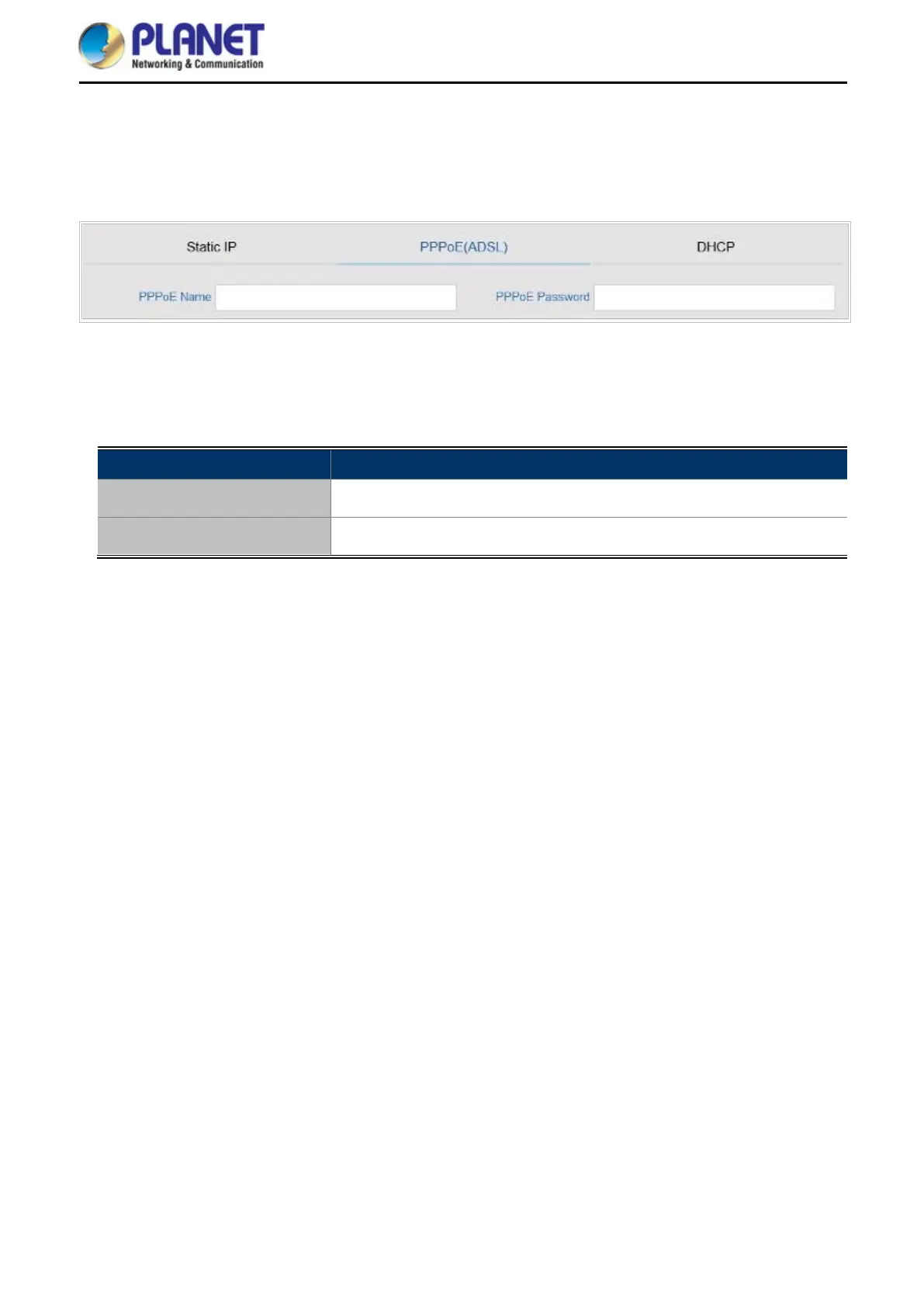
PPPoE (ADSL)
Select PPPOE if your ISP is using a PPPoE connection and provide you with PPPoE user name and password
info.
Figure 5-5 Gateway – PPPoE (ADSL)
The page includes the following fields:
Object Description
PPPoE Name
Enter the User Name provided by your ISP
PPPoE Password
Enter the password provided by your ISP














 To Next Page