User Manual of WAP-252N/WAP-552N
-63-
If you will be connecting to this Wireless AP in the future, check [Connect automatically].
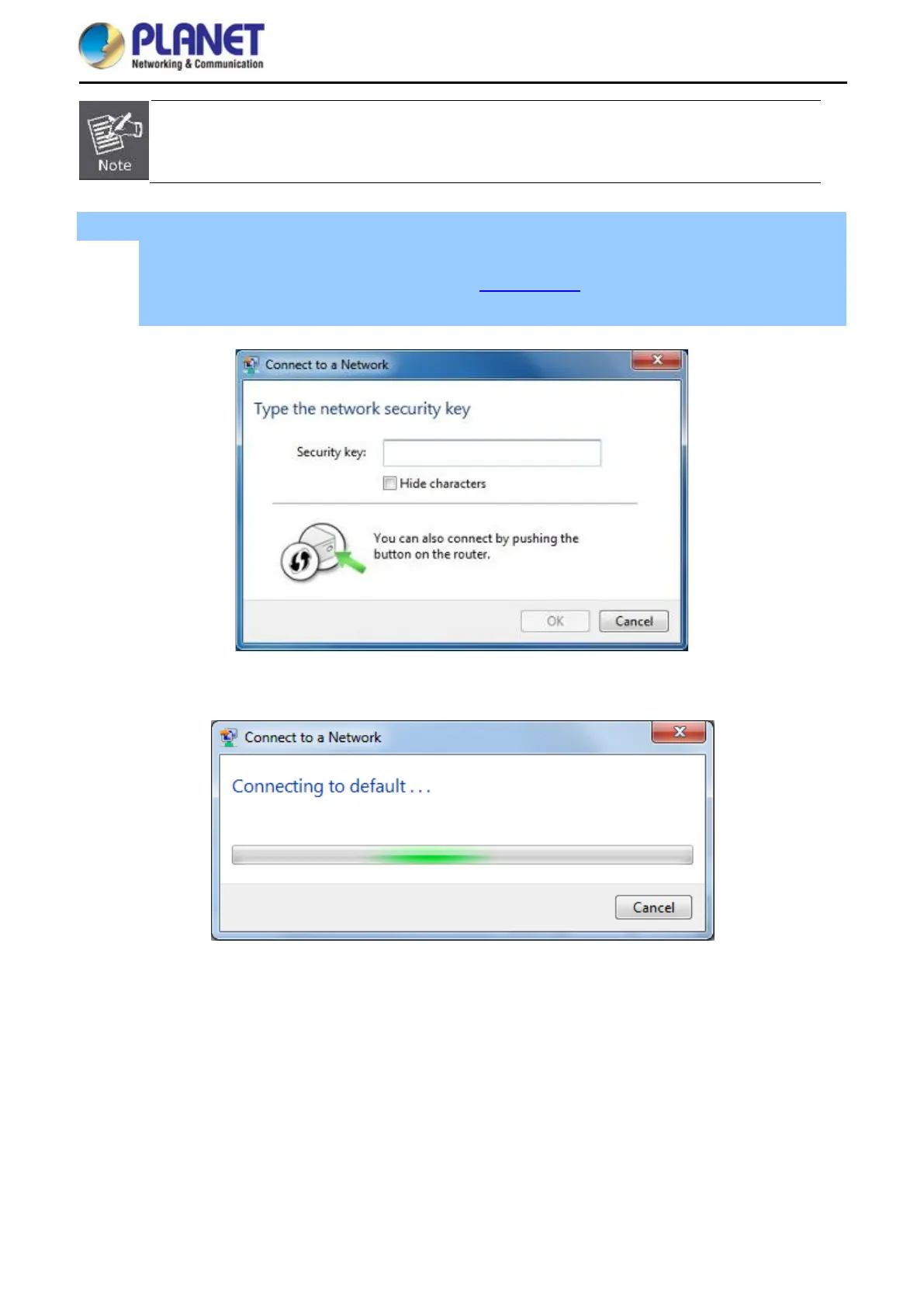
Step 4: Enter the encryption key of the wireless AP
(1) The Connect to a Network box will appear
(2) Enter the encryption key that is configured in section 5.7.2.1
(3) Click the [OK] button
Figure 6-7 Typing the Network Key
Figure 6-8 Connecting to a Network














 To Next Page