User Manual of WAP-252N/WAP-552N
-22-
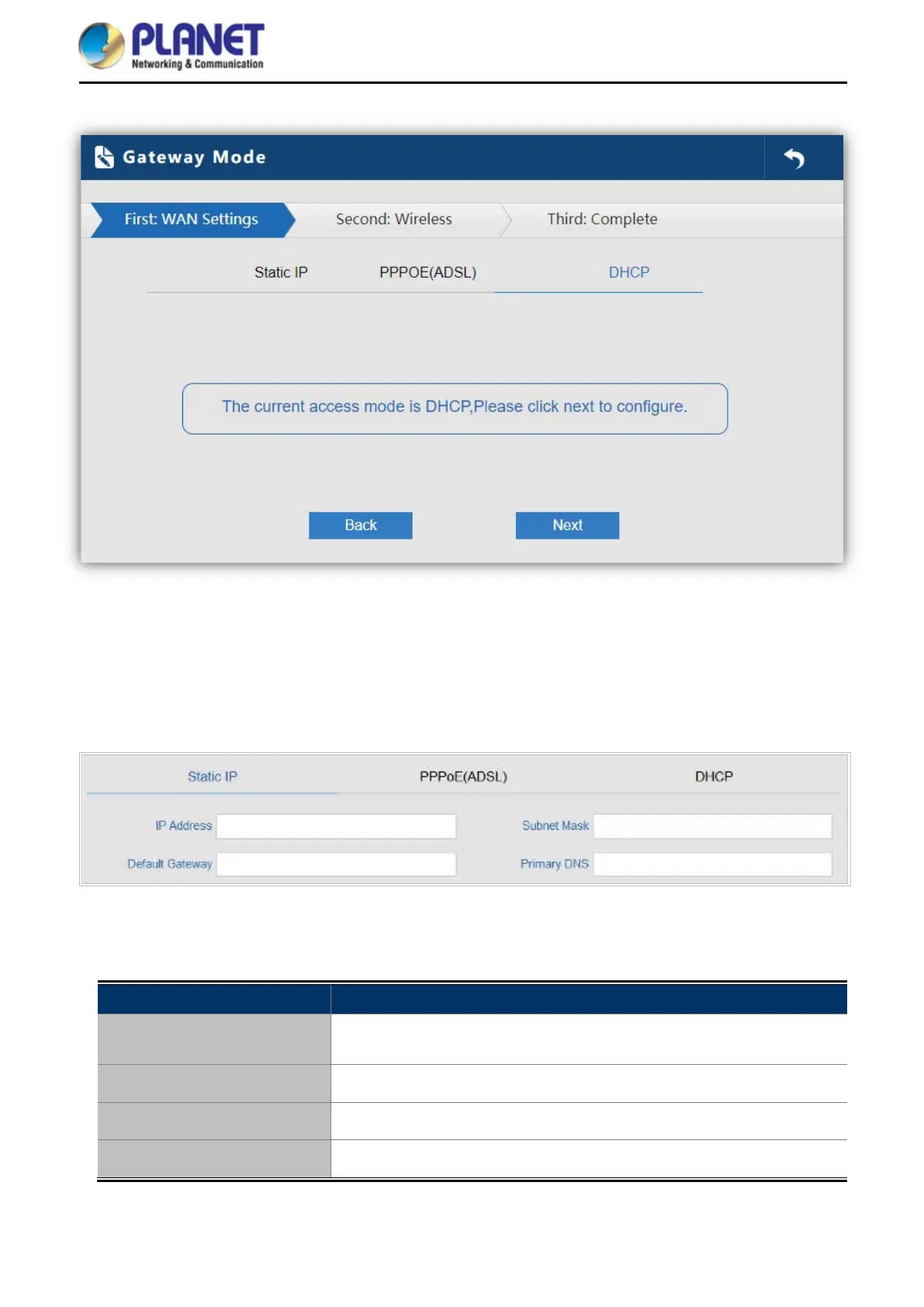
Figure 5-3 Gateway Mode
5.2.1 WAN Settings
Static IP
If your ISP offers you static IP Internet connection type, select “Static IP" and then enter IP address, subnet
mask, default gateway and primary DNS information provided by your ISP in the corresponding fields.
Figure 5-4 Gateway - Static IP
The page includes the following fields:
Object Description
IP Address
Enter the WAN IP address provided by your ISP. Enquire your ISP if you
are not clear
Subnet Mask
Enter WAN Subnet Mask provided by your ISP
Default Gateway
Enter the WAN Gateway address provided by your ISP
Primary DNS
Enter the necessary DNS address provided by your ISP














 To Next Page