User Manual of WAP-252N/WAP-552N
-47-
Object Description
IP Address
Enter the WAN IP address provided by your ISP. Enquire your ISP if you
are not clear.
Subnet Mask
Enter WAN Subnet Mask provided by your ISP.
Default Gateway
Enter the WAN Gateway address provided by your ISP.
MTU
Maximum Transmission Unit. Default is 1500.
Primary DNS
Enter the necessary DNS address provided by your ISP.
Secondary DNS
Enter the secondary DNS address provided by your ISP.
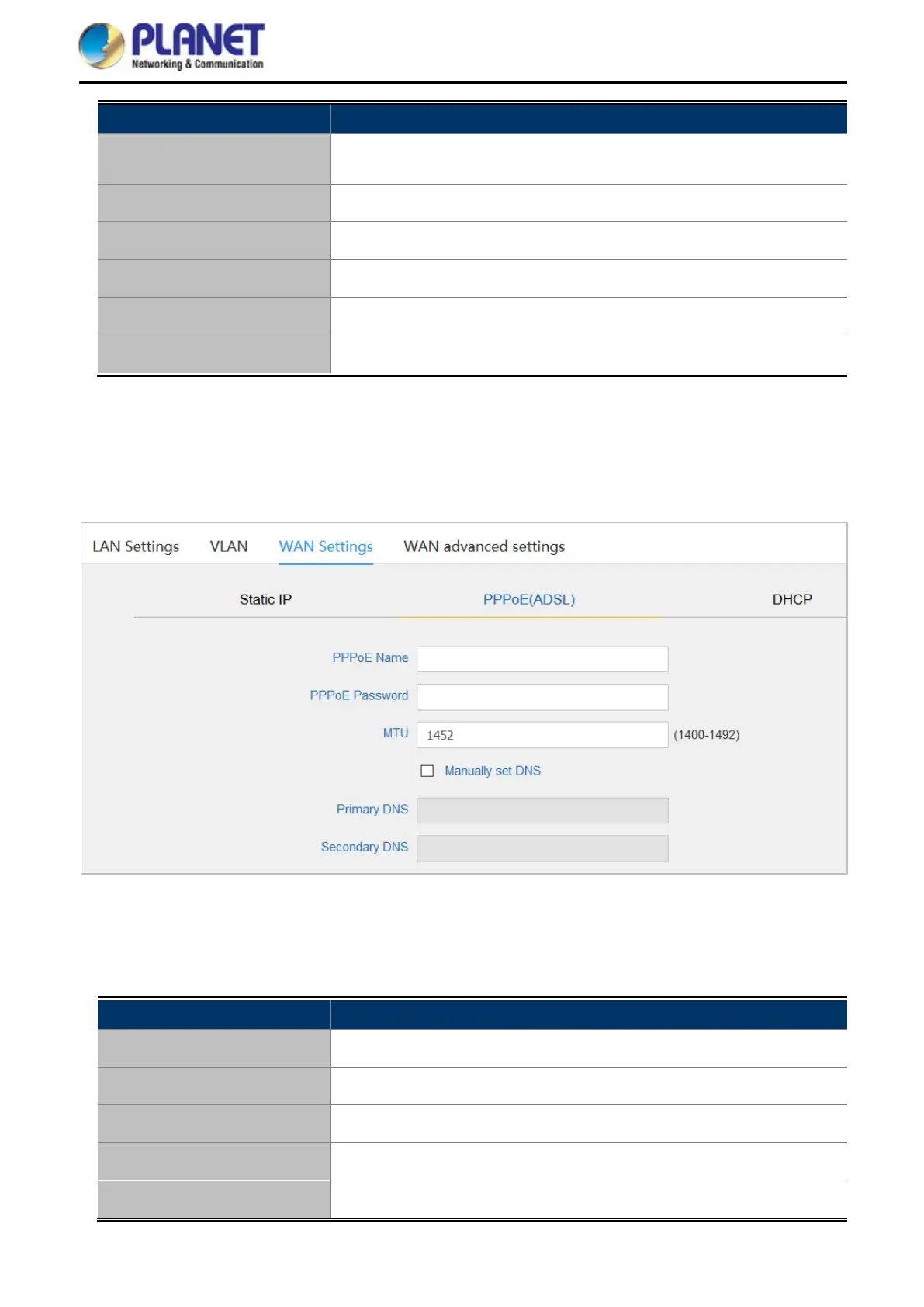
PPPoE (ADSL)
Select PPPOE if your ISP is using a PPPoE connection and provide you with PPPoE user name and password
info.
Figure 5-33 PPPoE (ADSL)
The page includes the following fields:
Object Description
PPPoE Name
Enter the User Name provided by your ISP.
PPPoE Password
Enter the password provided by your ISP.
MTU
Maximum Transmission Unit. Default is 1452.
Primary DNS
Enter the necessary DNS address provided by your ISP.
Secondary DNS
Enter the secondary DNS address provided by your ISP.














 To Next Page