User Manual of WAP-252N/WAP-552N
-54-
5.7.5 Management
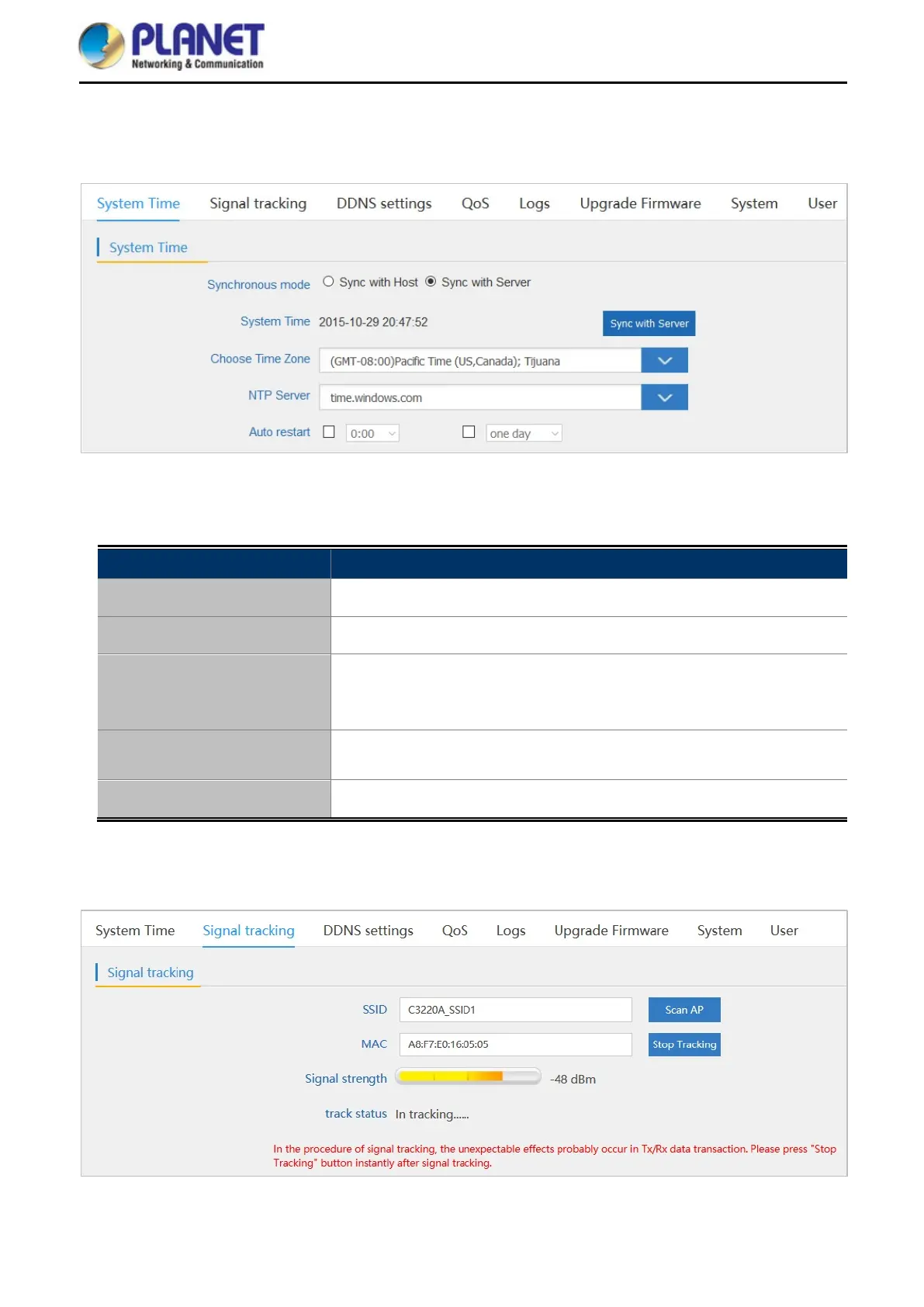
5.7.5.1. System Time
Figure 5-41 System Time
The page includes the following fields:
Object Description
Synchronous Mode
Select Sync with Host or Sync with Server.
System Time
It shows the system time.
Choose Time Zone
Select the time zone of your country/region. If your country/region is not
listed, please select another country/region whose time zone is the same
as yours.
NTP Server
Select the NTP server from the list or enter the host name or IP address
of the time server if you wish.
Auto Restart
Select the time that you want to reboot
5.7.5.2. Signal Tracking
Figure 5-42 Signal tracking














 To Next Page