User’s Manual of WNRT-627
-103-
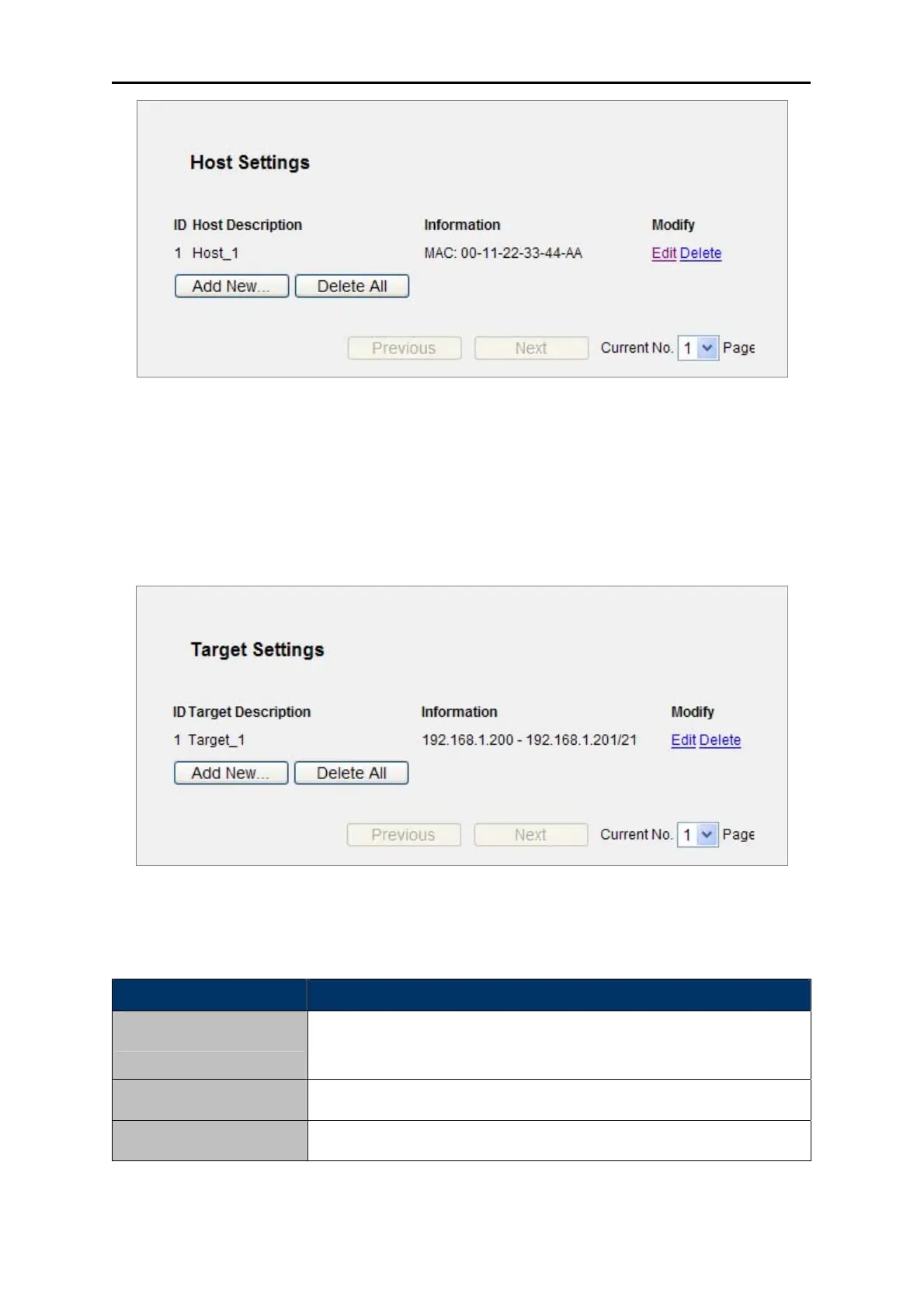
Figure 5-58 Host S
ettings List
5.12.3 Target
Choose menu “Access Control → Target”, and you can view and set a Target list in the screen as
shown in Figure 5-59. The target list is necessary for the Access Control Rule.
Figure 5-59 Target Settings
The p
age includes the following fields:
Object Description
Here display
s the description about the target and this description is
unique.
Target Description
The target ca
n be IP address, port, or domain name.
Information
To modify or delete an exi
sting entry.
Modify
Table 5-33



 To Next Page