User’s Manual of WNRT-627
-83-
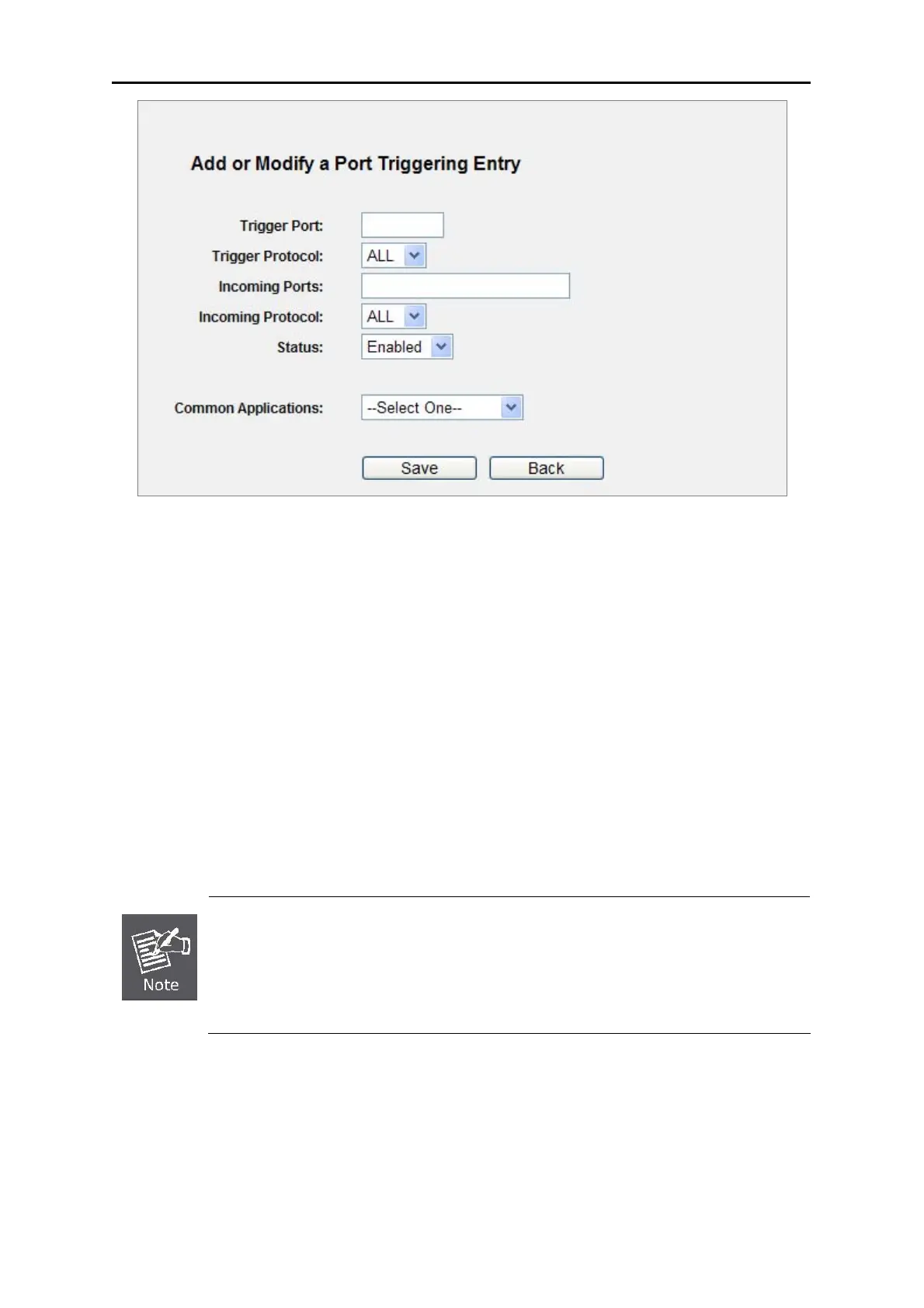
Figure 5-40 Add or Modify a
Triggering Entry
To modify or delete an existing entry:
1. Click the Modify in the entry you want to modify. If you want to delete the entry, click the Delete.
2. Modify the information.
3. Click the Save button.
Click the Enable All button to make all entries enabled
Click the Disabled All button to make all entries disabled.
Click the Delete All button to delete all entries
1) When the trigger connection is released, the related opening ports will be closed.
2) Each rule is allowed to be used only by one host on LAN synchronously. The
trigger connection of other hosts on LAN will be refused.
3) Incoming Port Range cannot overlap each other.
5.9.3 DMZ
Choose menu “Forwarding→DMZ”, and you can view and configure DMZ host in the screen (shown
in Figure 5-41).The DMZ host feature allows one local host to be exposed to the Internet
for a
special-purpose service such as Internet gaming or videoconferencing. DMZ host forwards all the



 To Next Page