User’s Manual of WNRT-627
-86-
5.10
Click Refresh to update the Current UPnP Settings List.
Security
There are four submenus under the Security menu as shown in Figure 5-43: Basic Security,
Advanced Security, Local Management and Remote Management. Click any of them, and you will
be able to configure the corresponding function.
Figure 5-43 The Security menu
5.10.1 Basic Security
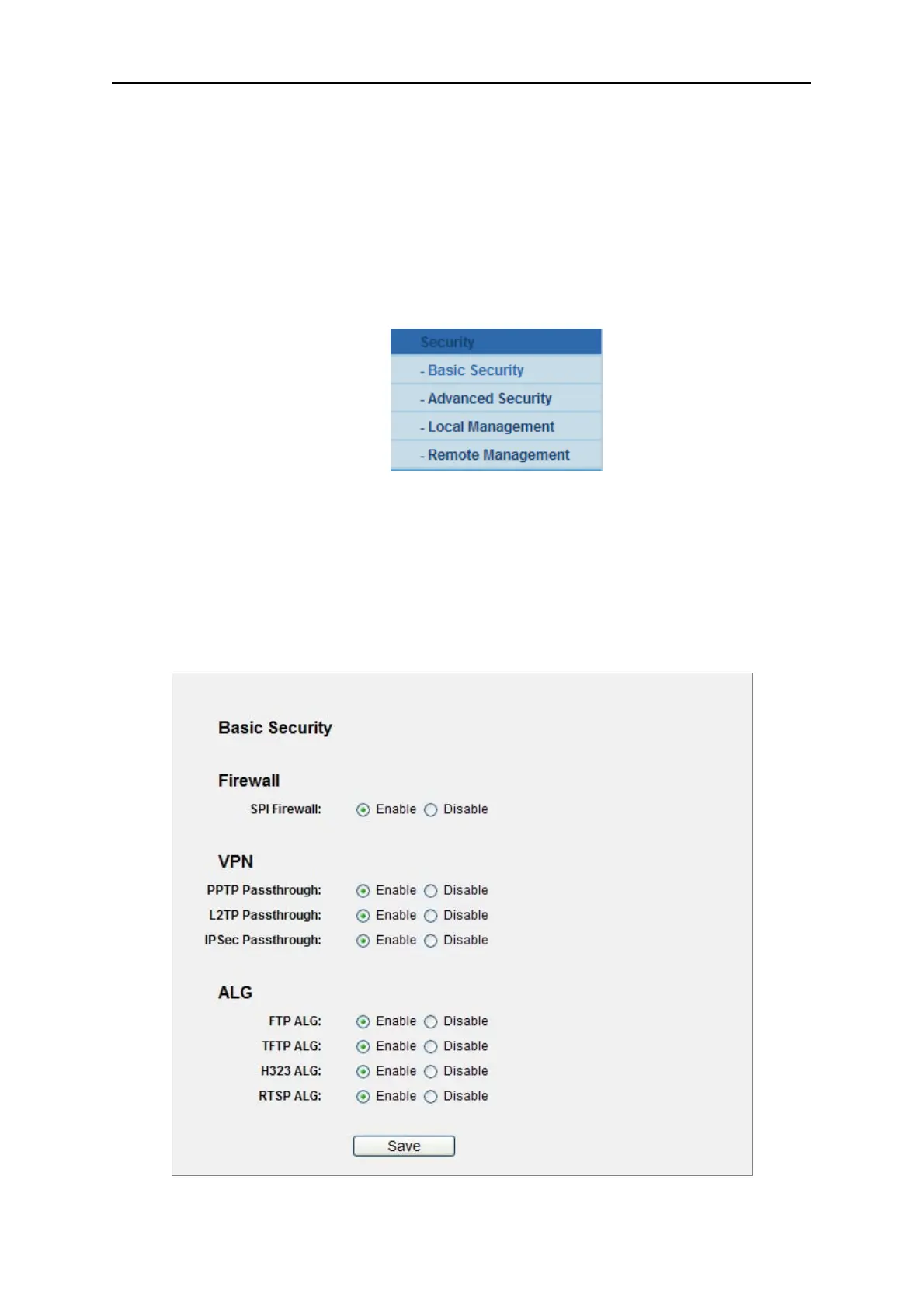
Choose menu “Security → Basic Security”, and you can configure the basic security in the next
screen.
Figure 5-44 Basic Security



 To Next Page