User’s Manual of WNRT-627
-111-
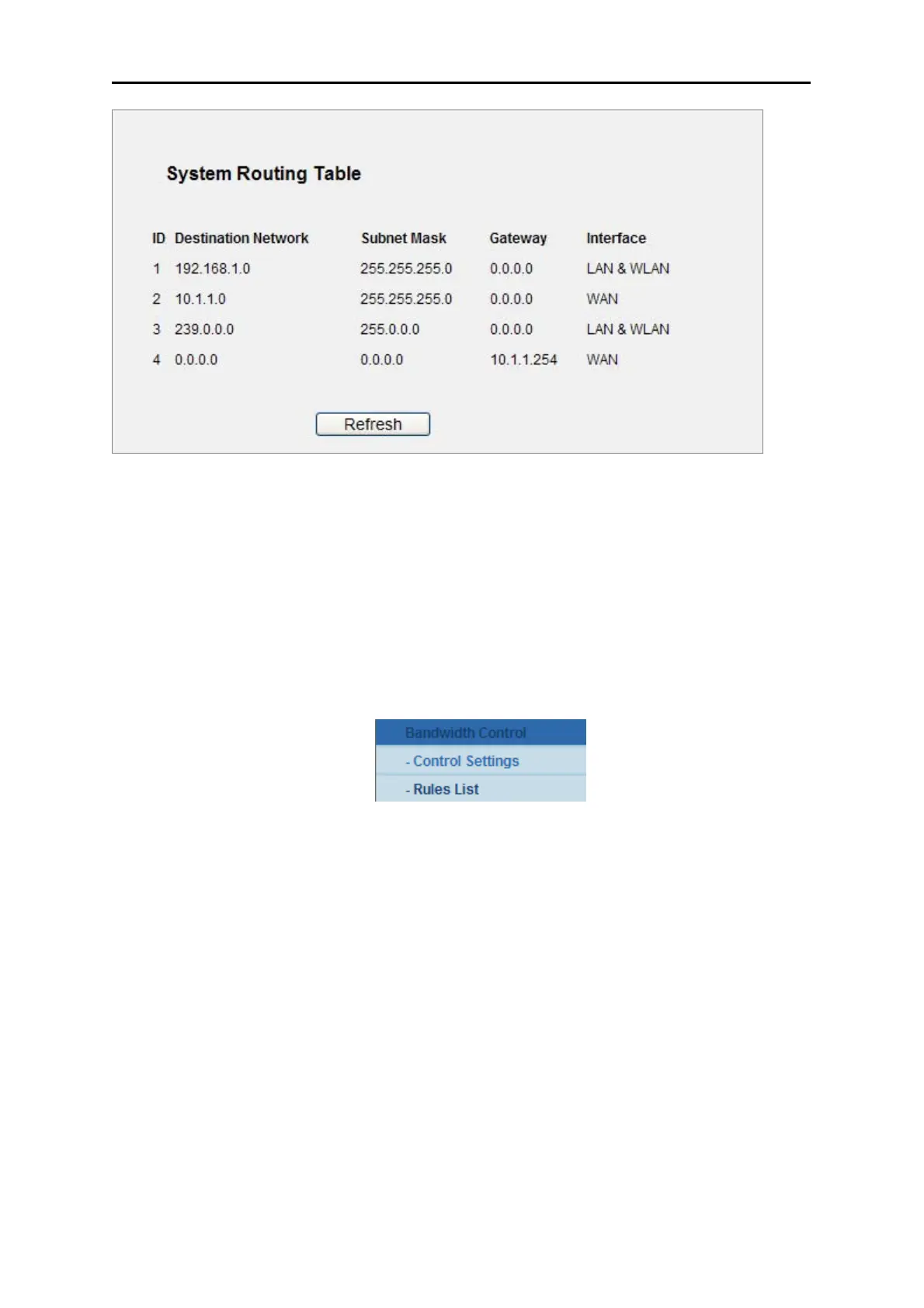
Figure 5-69 System Routing Table
5.14 Bandwidth Control
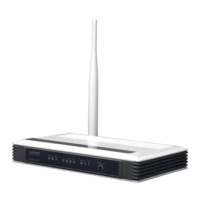
There are two submenus under the Bandwidth Control menu as shown in Figure 5-70. Click any of
them, and you will be able to configure the corresponding function. The detailed explanations for each
submenu are provided below.
Figure 5-70 Bandwid
th Control
5.14.1 Control Settings
Choose menu “Bandwidth Control → Control Settings”, and you can configure the Egress
Bandwidth and Ingress Bandwidth in the next screen. Their values you configure should be less than
100000Kbps. For optimal control of the bandwidth, please select the right Line Type and ask your ISP
for the total bandwidth of the egress and ingress.



 To Next Page