User’s Manual of WNRT-627
-25-
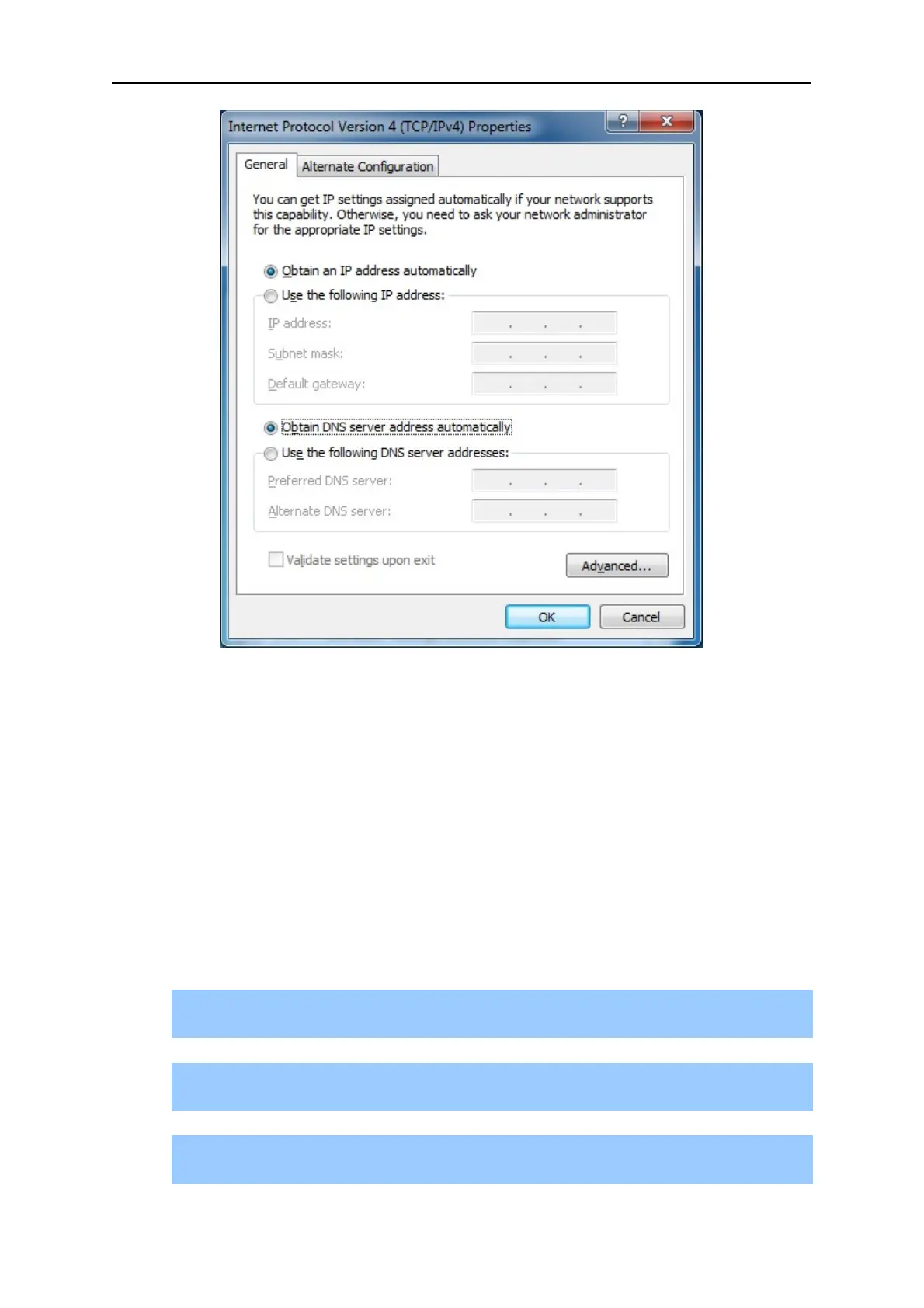
Figure 4-4 Obtain an IP address automatically
4.1.2 Configure the IP Address Manually
Summary:
Set up the TCP/IP Protocol for your PC.
Configure the network parameters. The IP address is 192.168.1.xxx ("xxx" is any number
from 2 to 254), Subnet Mask is 255.255.255.0, and Gateway is 192.168.1.1 (The Router's
default IP address)
1) Continue the settings from the last figure, select Use the following IP address radio
button.
2) If the LAN IP address of the WNRT-627 is 192.168.1.1, enter IP address 192.168.1.x (x
is from 2 to 254), and Subnet mask 255.255.255.0.
3) Enter the LAN IP address of the WNRT-627 (the default IP is 192.168.1.1) into the
Default gateway field.



 To Next Page