User’s Manual of WNRT-627
-24-
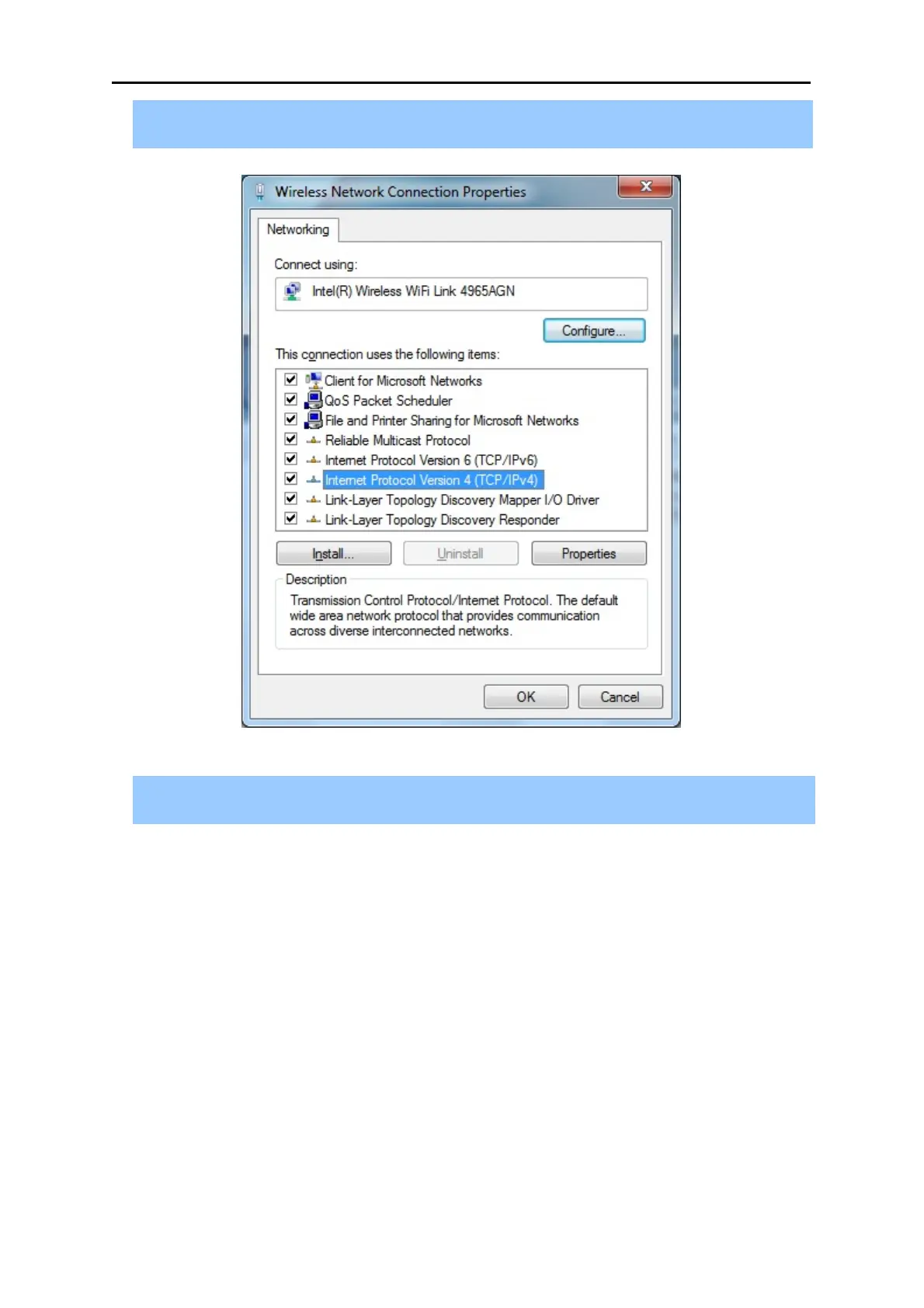
4) In the prompt window shown below, double click on the Internet Protocol Version 4
(TCP/IPv4).
Figure 4-3 TCP/IP Setting
5) Choose Obtain an IP address automatically, and Obtain DNS server address automatically
as shown in the figure below. Then click OK to save your settings.



 To Next Page