User’s Manual of WNRT-627
-129-
Do not turn off the Router or press the Reset button while the firmware is being
upgraded; otherwise, the Router may be damaged.
The Router will reboot after the upgrading has been finished.
5.17.4 Factory Defaults
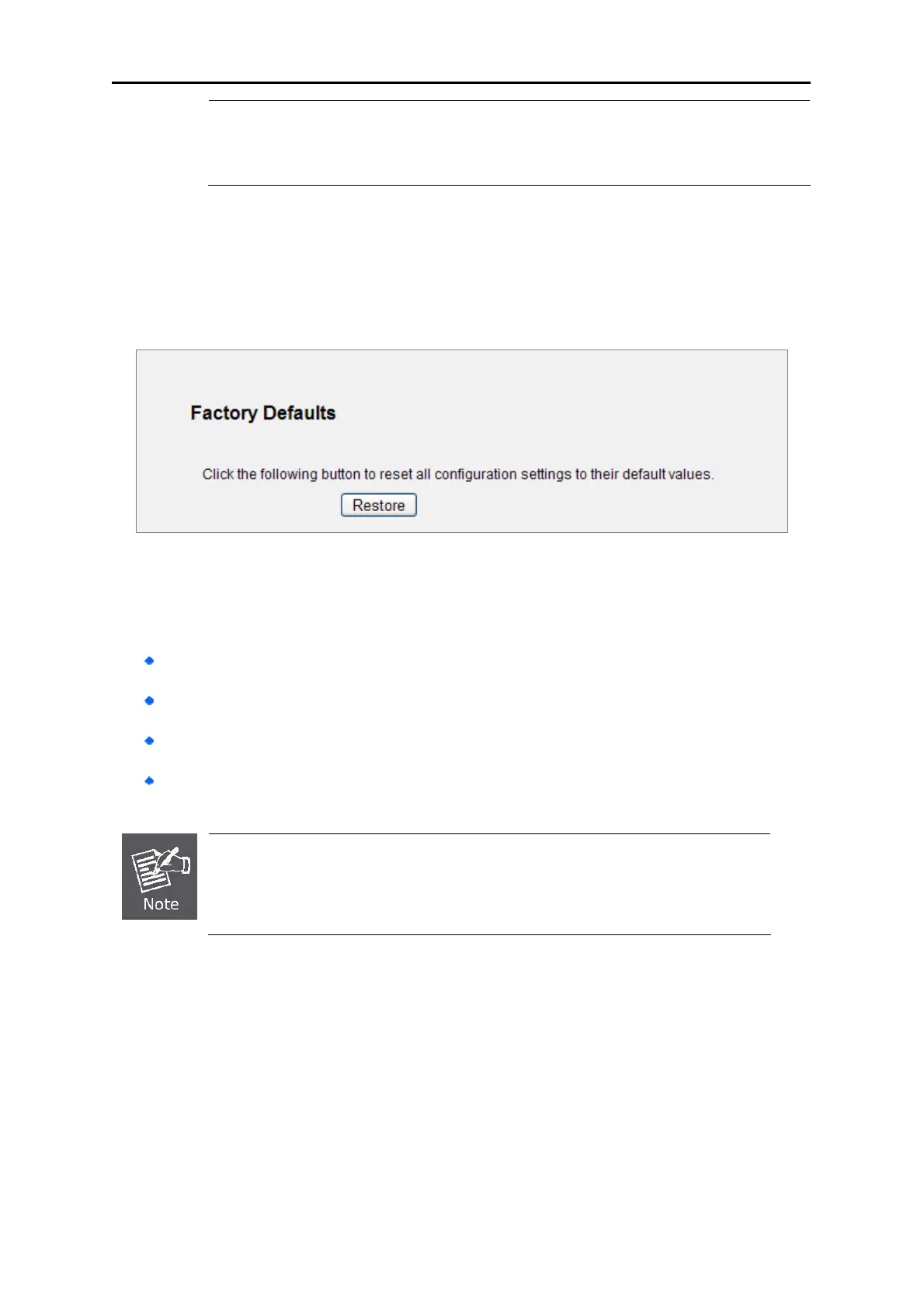
Choose menu “System Tools → Factory Defaults”, and you can restore the configurations of the
Router to factory defaults on the following screen
Figure 5-90 Restore Factory Default
Click the Restore button to reset all configuration settings to their default values.
The default User Name: admin
The default Password: admin
The default IP Address: 192.168.1.1
The default Subnet Mask: 255.255.255.0
Any settings you have saved will be lost when the default settings are restored.



 To Next Page