User’s Manual of WNRT-627
-40-
5.4 WPS
This section will guide you to adding a new wireless device quickly to an existing network by WPS
(Wi-Fi Protected Setup) function.
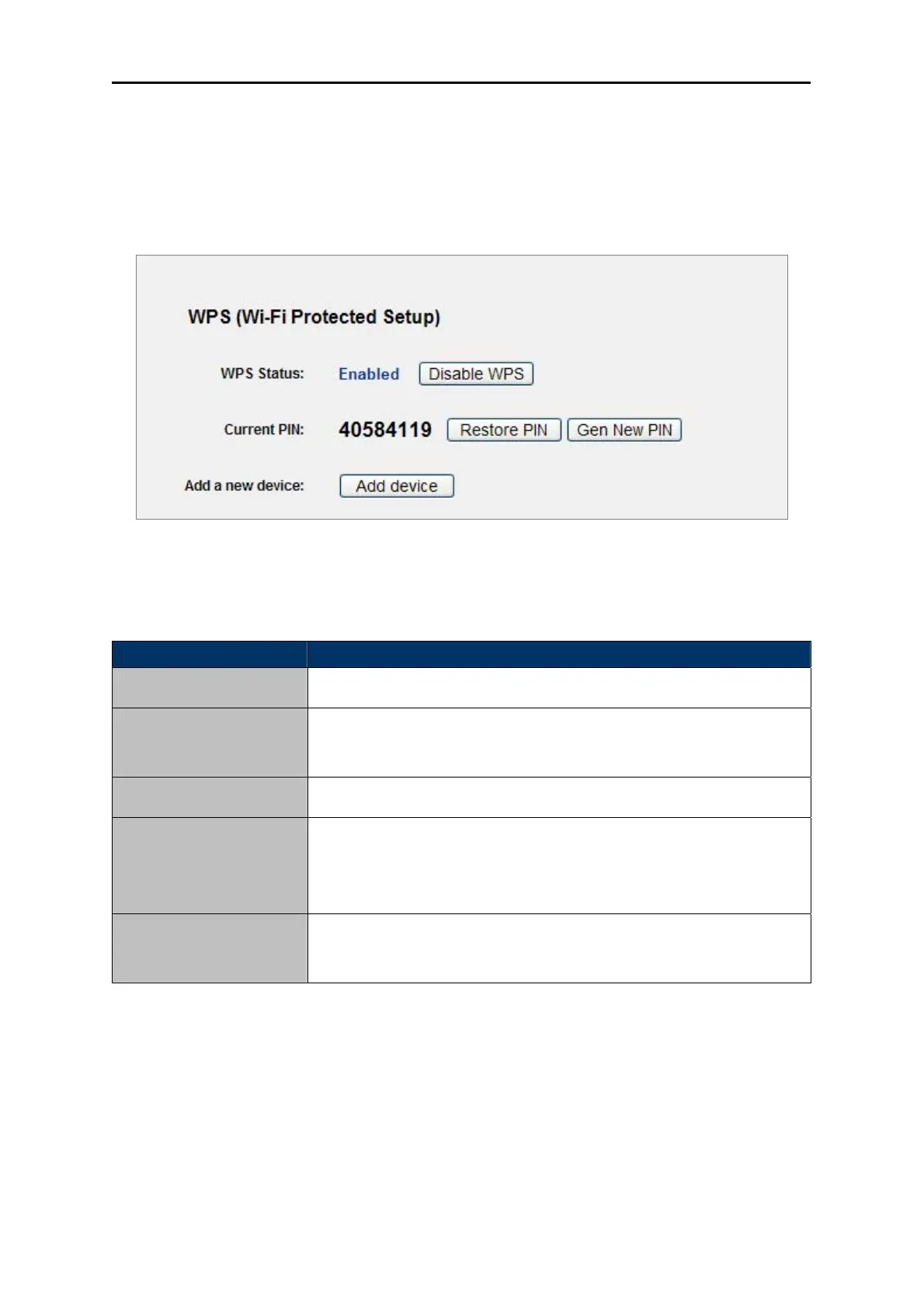
Step 1. Choose menu “WPS”, and you will see the next screen (shown in Figure 5-3 ).
Figure 5-3 WPS
The pa
ge includes the following fields:
Object Description
Enable or
disable the WPS function here.
WPS Status
The curre
nt value of the Router's PIN displayed here. The default PIN
of the Router can be found in the label or User Guide.
Current PIN
Restore the P
IN of the Router to its default.
Restore PIN
Click this
button, and then you can get a new random value for the
Router's PIN. You can ensure the network security by generating a
new PIN.
Gen New PIN
You can a
dd the new device to the existing network manually by
clicking this button.
Add device
Table 5-1
Step 2. To add a new device:
If the wireless adapter supports Wi-Fi Protected Setup (WPS), you can establish a wireless connection
between wireless adapter and Router using either Push Button Configuration (PBC) method or PIN
method.



 To Next Page